
|
Do it yourself
| |||
| ||||


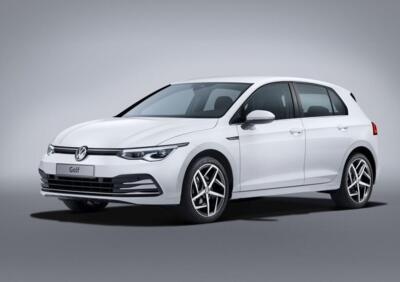
How to Replace the Key Battery in a Volkswagen Golf 8?
Model: Volkswagen Golf
Golf 8, MK 8, Golf Viii
- Years 2019-2026
The video shows how to open the remote for the Volkswagen Golf 8 to replace the battery. In this case, it is not necessary to first remove the key blade, as the remote can be opened while it remains in its slot. Follow the example in the video and remove the rear cover of the remote by applying light pressure with your hands. Once opened, you will find the battery, which is a 3-volt button cell with the designation CR2032. This battery can be purchased for a few pence in various types of shops. Remove it and replace it with a new one, then close the remote.
Updated on 7 July 2026 by ScegliAuto
Video tutorial
Related tutorials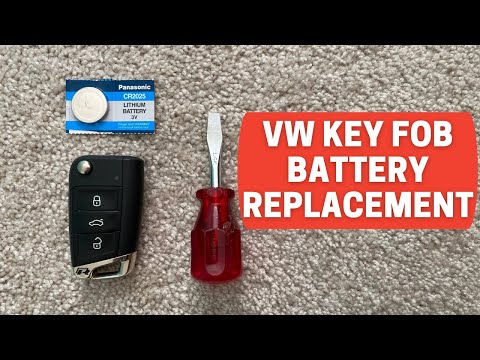
Volkswagen Golf
(2012-2019 /
Golf VII, MK 7, Golf 7)
Start by pressing the button located on the back of the key fob for your Volkswagen Golf to open the physical key. Then, using a flathead screwdriver…
Volkswagen Golf
(1997-2003 /
Golf IV, MK 4, Golf 4)
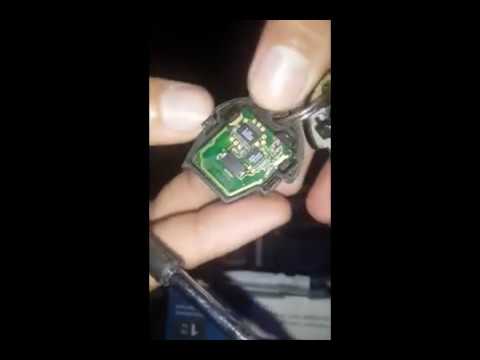
When the key remote no longer seems to receive commands, it is likely that its battery is dead; here’s how to replace the key battery of the Volkswag…
Volkswagen Golf
(2012-2019 /
Golf VII, MK 7, Golf 7)
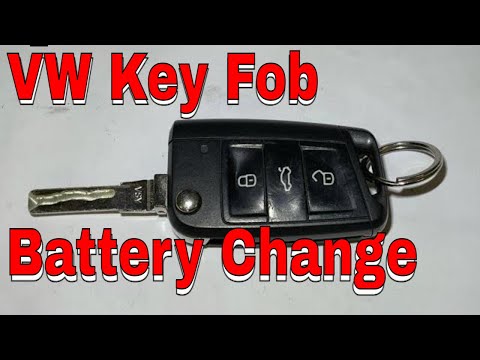
Start by pressing the button located on the top side of the electric key of your Volkswagen Golf, which will open the physical key. Next, using a thi…
Other guides you may be interested in
|
How to Repair the Key Spring of the Peugeot 207?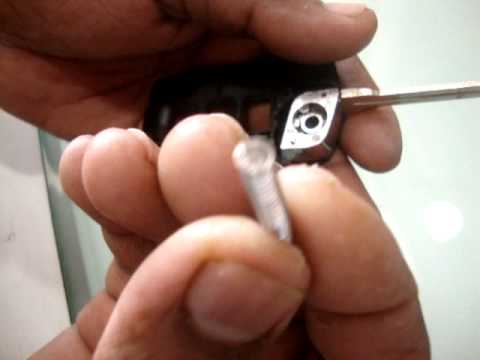
Over time, frequent use of the key's flip mechanism in the vehicle, dozens of times a day, inevitably leads to wear of the internal spring. As shown in this video, replacing the spring is quite simple and takes little time. After opening the casing halfway, first position the key, then the spring housing, and finally insert the spring into the previously mentioned housing. Close the casing by rotating it clockwise, ensuring all components fit perfectly, and test the key's flip mechanism. by ScegliAuto More videos
|
|
For advertising on this site Write to info@scegliauto.com
ScegliAuto is not responsible for any inaccuracy of the data in the lists. To report any inaccuracy or your business (if you own the business in question), please write to info@scegliauto.com
Number of seconds to generate the page: 0.225
(c) ScegliAuto 2026 - info@scegliauto.com - Privacy policy VAT number: IT01247470535 |
