
|
Do it yourself
| |||
| ||||


How to Replace the Volkswagen Tiguan Stereo
Model: Volkswagen Tiguan
5N, MK 1
- Years 2007-2016
To extract the stereo, first remove the two small panels located on either side of the hazard light button and disconnect any connectors. Use a plastic lever to remove the panels. Now, unscrew the bolts located at the sides of these holes, and using the same plastic lever, remove the entire panel around the stereo. This will allow you to access the bolts securing the stereo unit. After unscrewing the bolts, simply pull out the stereo and disconnect the plugs connected at the back. Retrace the steps for reassembly.
Updated on 23 February 2026 by ScegliAuto
Video tutorial
Related tutorials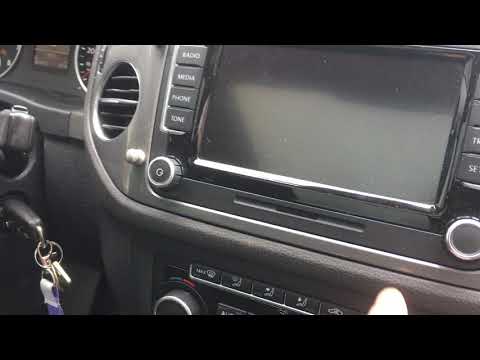
Volkswagen Tiguan
(2007-2016 /
5N, MK 1)
If the radio on your Volkswagen Tiguan is frozen, keeps restarting, and does not respond to commands, you may need to reset the device: first, discon…
Volkswagen Tiguan
(2007-2016 /
5N, MK 1)
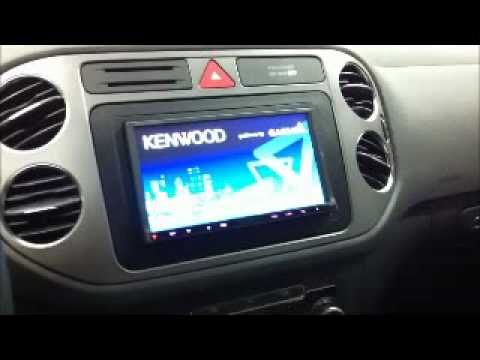
Do you want to remove the radio from the Tiguan? Let's look at how to take out all the parts to replace the radio. Enter the vehicle and locate the p…
Volkswagen Tiguan
(2007-2016 /
5N, MK 1)
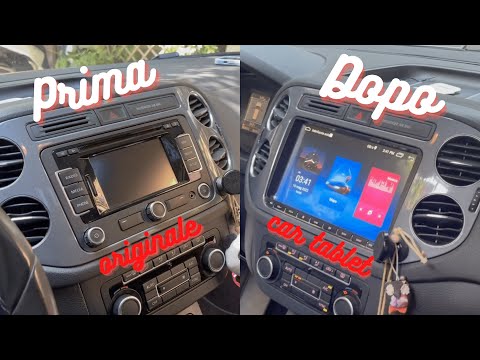
In today's video, you will learn how to extract and replace the original radio in the first series of the Volkswagen Tiguan. First, remove the top bu…
Other guides you may be interested in |
Frequently Asked QuestionsHow to Replace the Cabin Filter on the Opel Grandland X
If you own an Opel Grandland X and want to know the steps to replace the cabin air filter, carefully read the following guide and follow the described steps. First, enter the vehicle and go to the passenger side. Then, locate the box containing the air filter in the lower side area of the dashboard. Remove the cover of the box and finally replace the old filter with the new one. Refit the cover, and you are done. by ScegliAuto More videos
|
|
For advertising on this site Write to info@scegliauto.com
ScegliAuto is not responsible for any inaccuracy of the data in the lists. To report any inaccuracy or your business (if you own the business in question), please write to info@scegliauto.com
Number of seconds to generate the page: 0.148
(c) ScegliAuto 2026 - info@scegliauto.com - Privacy policy VAT number: IT01247470535 |
