
|
Do it yourself
| |||
| ||||


Installation of Multi-Disc CD Player
Model: Volvo V70
MK 1
- Years:
1996, 1997, 1998, 1999, 2000
Video tutorial
Remove the panel in the boot near the electric aerial to access the electrical wiring. Locate the power connector for the aerial and, using the small latch, separate the two connectors. The CD player comes with a Y-shaped power cable with three connectors. One connector goes into the aerial power socket, one connector goes into the power socket, and the third goes into the CD player. The vehicle is already prepared for this kit, so locate the connection cables to the stereo under the cover. The connection cable ends with a mini DIN circular connector (similar to those used in computers) that connects to the CD player. Securely mount the player using the bracket and the fittings on the vehicle's chassis.
Updated on 3 February 2026 by ScegliAuto
Related tutorials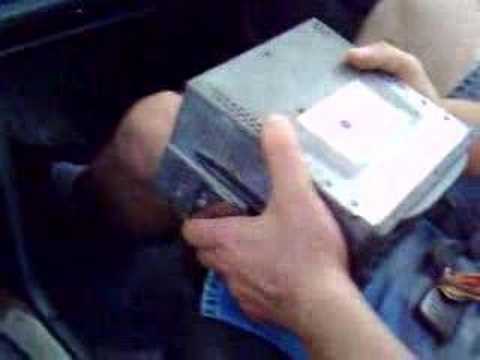
Volvo V70
(2000-2007 /
MK 2)
To remove the car radio from the console, insert the appropriate tools into the side slots of the radio to release the retaining springs. At this poi…
Volvo V70
(2007-2016 /
MK 3)
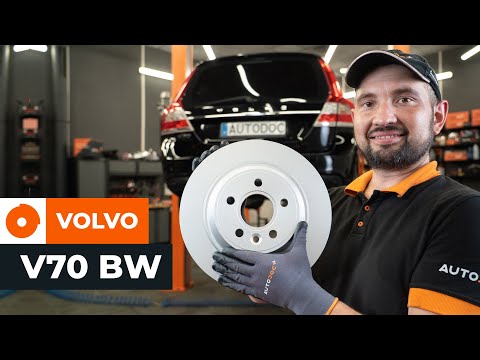
Necessary tools: Car jack or lift and axle stands, Ratchet and socket set, Screwdrivers, Hex or Torx key, Brake piston compressor or clamp, Brake gre…
Volvo V70
(2000-2007 /
MK 2)
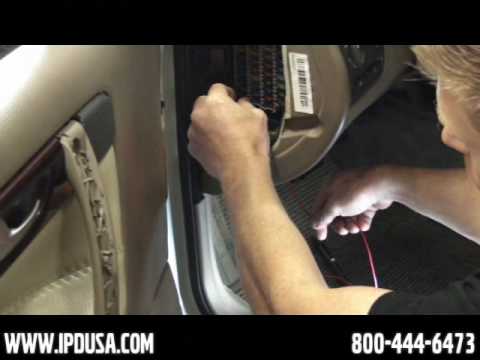
Start by connecting the tubing to the back of the vacuum gauge and the power cable; then install the vacuum gauge into the bracket, which will allow …
Other guides you may be interested in |
How to Remove the Toll Tag Holder from the Car Windscreen
The toll tag holder is usually attached to the car windscreen to ensure that the toll tag functions immediately when passing through barriers. However, if you decide to remove the holder, you should follow this procedure: - Insert the toll tag into the holder; - Pull the holder inwards to detach it from the windscreen; you can use a glass scraper or a stiff plastic card to assist you; After removing the holder, it is essential to remove the adhesive from the windscreen. To remove the adhesive, we recommend using a solvent-based spray that will remove the glue without clouding the area. by ScegliAuto More videos
|
|
For advertising on this site Write to info@scegliauto.com
ScegliAuto is not responsible for any inaccuracy of the data in the lists. To report any inaccuracy or your business (if you own the business in question), please write to info@scegliauto.com
Number of seconds to generate the page: 0.012
(c) ScegliAuto 2026 - info@scegliauto.com - Privacy policy VAT number: IT01247470535 |
