
|
Do it yourself
| |||
| ||||


How to reset the onboard computer in the Volvo V70?
Model: Volvo V70
MK 3
- Years 2007-2016
In this tutorial, we can see how to reset the onboard computer in the Volvo V70, an extremely simple and quick operation to be performed, for example, as an attempt to resolve an issue or after a change of ownership. First of all, let's go inside the cabin, then insert the key and turn on the instrument panel. Next, press the "MY CAR" button on the central console, enter "Settings", "Vehicle Settings", "Reset vehicle settings", and confirm the choice. At this point, all that's left to do is wait for the system to restart and verify that any issues have been resolved.
Posted on 6 November 2025 by ScegliAuto
Video tutorial
Related tutorials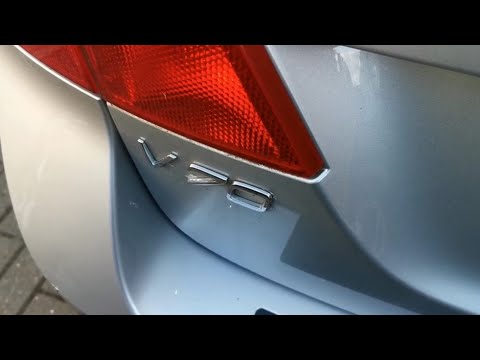
Volvo V70
(2000-2007 /
MK 2)
In this short video tutorial, you will learn how to independently access the OBD2 location port on a Volvo V70. The OBD2 port is essentially the onbo…
…

Volvo V70
(2007-2016 /
MK 3)
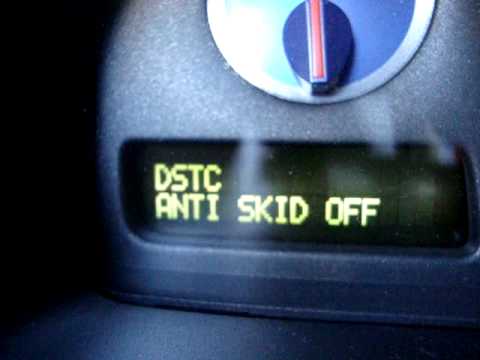
This procedure shows how to reset the maintenance light on a Volvo V70, P2 and P3 generation, covering all vehicles produced between 2000 and 2016. S…
Other guides you may be interested in
|
How to change the time on a Toyota Yaris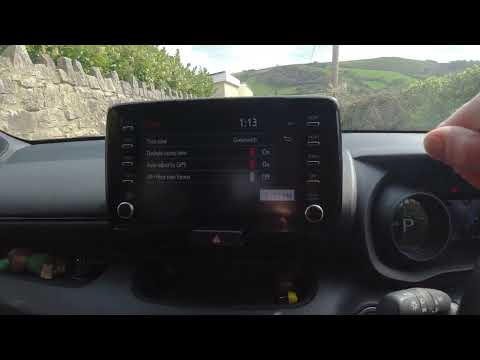
In this video we see how to change the time on a Toyota Yaris, specifically when it comes to switching from daylight saving time to standard time and vice versa. We go to the multifunction screen and press "settings": from there we go to press the clock, simply click on daylight saving time, and the clock will change the time for us, without doing anything else. All we want to do is just adjust the time format to 12 or 24 hours, as is customary in the area where we live: for example in Anglo-Saxon countries it is common to set the time to 12 hours, while in the European Union it is normally set to 24 hours. by ScegliAuto More videos
|

|
For advertising on this site Write to info@scegliauto.com
ScegliAuto is not responsible for any inaccuracy of the data in the lists. To report any inaccuracy or your business (if you own the business in question), please write to info@scegliauto.com
Number of seconds to generate the page: 0.951
(c) ScegliAuto 2026 - info@scegliauto.com - Privacy policy VAT number: IT01247470535 |
