
|
Do it yourself
| |||
| ||||


How to Reset the Service Light on Alfa Romeo 156
Model: Alfa Romeo 156
MK 1
- Years 1997-2007
In this video, see what to do when the maintenance light appears on the Alfa Romeo 156. To reset the maintenance light, turn on the vehicle's instrument cluster, press the "Info" button on the central dashboard, then, once in the settings menu, scroll up/down with the button until you find "Scheduled Maintenance", select the reset of the tyre pressure light with the Info button, and exit the settings menu. Check the onboard computer by turning it off and on again with the ignition key. Always set with the vehicle stationary.
Updated on 15 March 2026 by ScegliAuto
Video tutorial
Related tutorials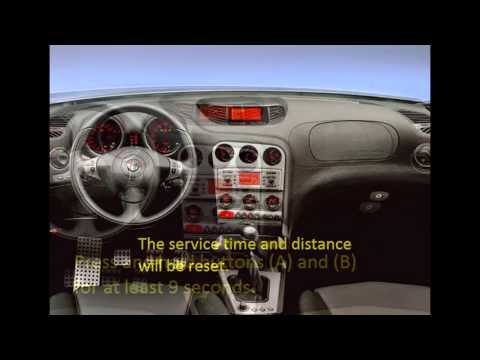
Alfa Romeo 156
(1997-2007 /
MK 1)
This guide shows how to reset the service or engine oil light for routine maintenance of the Alfa Romeo 156, following these simple and quick steps. …

Alfa Romeo 156
(1997-2007 /
MK 1)
In this video, you can see how to reset the oil service on the Alfa Romeo 156, an operation to be performed only after changing the oil and the corre…

Alfa Romeo 156
(1997-2007 /
MK 1)
To reset the service light of an Alfa Romeo 156 car, we need to proceed manually by turning on the vehicle's instrument panel and then pressing the p…
Other guides you may be interested in
|
How to Reset the Tyre Pressure Light on the Opel Grandland X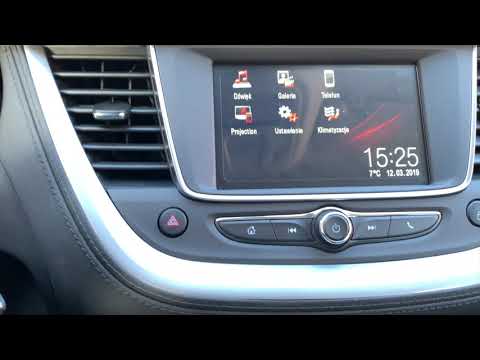
While driving, if you notice the tyre pressure warning light coming on, first check the actual inflation pressure of the tyres and, if necessary, restore the pressures recommended by the manufacturer. After restoring the correct pressures, you need to reset the warning light that has illuminated on the instrument cluster. To do this, locate the reset button on the lower central console. Press this button and hold it down for at least 3 seconds, after which the low pressure indication will turn off. by ScegliAuto More videos
|
|
For advertising on this site Write to info@scegliauto.com
ScegliAuto is not responsible for any inaccuracy of the data in the lists. To report any inaccuracy or your business (if you own the business in question), please write to info@scegliauto.com
Number of seconds to generate the page: 0.472
(c) ScegliAuto 2026 - info@scegliauto.com - Privacy policy VAT number: IT01247470535 |
