
|
Do it yourself
| |||
| ||||


How to Reset the "Service" Light on an Alfa Romeo 156
Model: Alfa Romeo Alfa-romeo Various
Before you can start, sit in the driver's seat of your Alfa Romeo 156. Begin by activating the instrument cluster, without starting the engine. Next, press the "INFO" button, then select the service page on the multifunction display. Once done, press and hold the "-" and "+" buttons simultaneously until the "Service" light turns off. When you have completed this last step, you will have successfully reset the "Service" light on your Alfa Romeo 156.
Updated on 14 April 2026 by ScegliAuto
Video tutorial
Related tutorials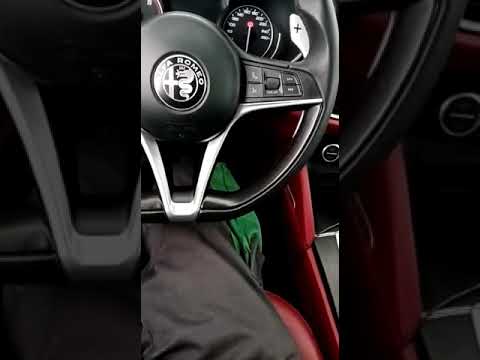
Alfa Romeo Alfa-romeo Various
The procedure is valid for both the Alfa Romeo Stelvio and Giulia. Get in the car and turn on the instrument panel, but leave the engine off. Wait fo…
Alfa Romeo Alfa-romeo Various
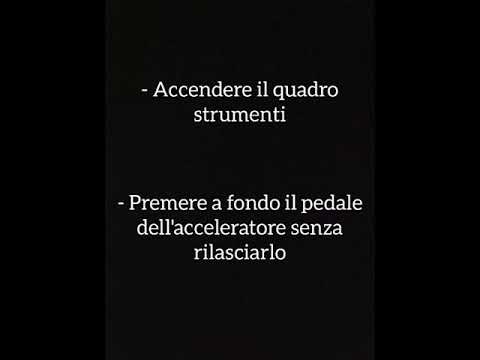
In this tutorial, you will see the main steps and instructions to reset the service light for routine maintenance on Fiat, Lancia, and Alfa Romeo mod…

Alfa Romeo Alfa-romeo Various
It should be noted that this video is taken as an example and concerns the Alfa Romeo Giulia, but the principle regarding the control and reset of th…
Other guides you may be interested in
|
How to Replace the Cabin Filter on the Opel Grandland X
If you own an Opel Grandland X and want to know the steps to replace the cabin air filter, carefully read the following guide and follow the described steps. First, enter the vehicle and go to the passenger side. Then, locate the box containing the air filter in the lower side area of the dashboard. Remove the cover of the box and finally replace the old filter with the new one. Refit the cover, and you are done. by ScegliAuto More videos
|
|
For advertising on this site Write to info@scegliauto.com
ScegliAuto is not responsible for any inaccuracy of the data in the lists. To report any inaccuracy or your business (if you own the business in question), please write to info@scegliauto.com
Number of seconds to generate the page: 0.094
(c) ScegliAuto 2026 - info@scegliauto.com - Privacy policy VAT number: IT01247470535 |
