
|
Do it yourself
| |||
| ||||


How to Replace Brake Pads on Audi A6
Model: Audi A6
MK 3, C6
- Years 2004-2012
Here are practical tips for replacing the brake pads. Lift the car and remove the wheel covers, then the bolts, until the wheel is off. Disconnect the sensor connector. Now remove the bushings and their pins with a 7mm wrench. Remove the brake hold-down. Never open the brake fluid reservoir unless you are replacing it. Now, use a lever to retract the brake pads to their starting position, that is, spread them apart. Remove the caliper and replace it with new parts. Place the caliper back in its position, reconnect the connector, and tighten the pins. Before mounting the wheel, remember the brake hold-down. Repeat the process on the remaining 3 wheels.
Updated on 9 March 2026 by ScegliAuto
This video is currently unavailable
Related tutorials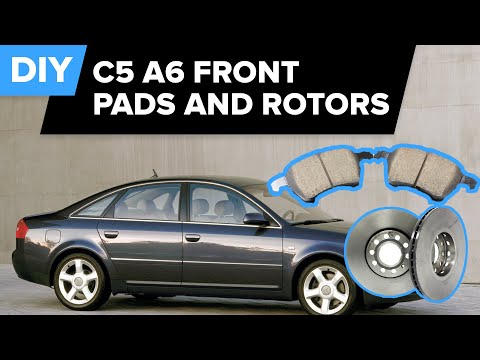
Audi A6
(1997-2004 /
MK 2, C5)
A mechanic demonstrates how to remove and replace the brake discs and pads. He shows the vehicle already lifted with the wheels removed.
In this vid…
Audi A6
(2004-2012 /
MK 3, C6)
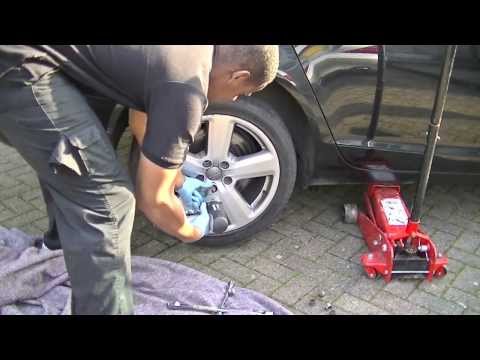
The following guide outlines a simple and useful method to replace the brake pads on your car, with a bit of free time and patience. First, remove th…
Audi A6
(2004-2012 /
MK 3, C6)
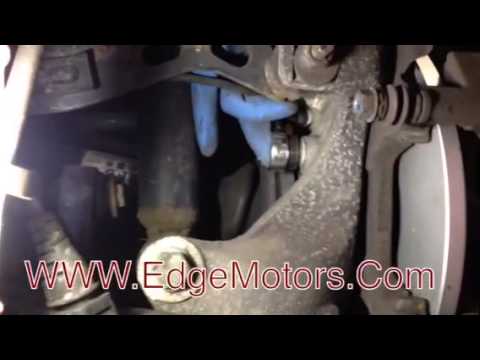
Replacing the brake pads is a fairly simple task. For the rear brake, compared to the front, it requires removing the wheel for better access. The pr…
Other guides you may be interested in
|
How to Bleed the Clutch on a Renault Clio?
To bleed the clutch on a Renault Clio, open the bonnet to access the components located in the engine bay: here, you will need to undo the screws that secure the battery in its housing, the intake manifold, and the coolant reservoir. This will allow you to locate the pipe through which the brake fluid flows: by inserting the other end of the pipe into a container, you can press the clutch pedal to expel all the fluid until it fills the container. by ScegliAuto More videos
|
|
For advertising on this site Write to info@scegliauto.com
ScegliAuto is not responsible for any inaccuracy of the data in the lists. To report any inaccuracy or your business (if you own the business in question), please write to info@scegliauto.com
Number of seconds to generate the page: 0.076
(c) ScegliAuto 2026 - info@scegliauto.com - Privacy policy VAT number: IT01247470535 |
