
|
Do it yourself
| |||
| ||||


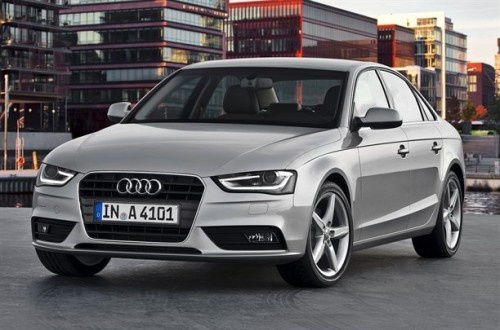
Audi A4 B8 bulb replacement
Model: Audi A4
B8
- Years 2007-2016
In this video we will see how to replace the headlight bulb of an Audi A4. First we lift the bonnet and then we go to remove the screws of the headlight that we find on the sides and in the upper part: then we disconnect the electrical connector to be able to definitively remove the headlight. At this point we remove the protective cap on the back, releasing the tab, and remove our xenon headlight control unit together with the bulb; unhook the bulb and replace it with the new one. If we want we can also replace the other bulbs; in any case, for reassembly, apply the reverse procedure.
Posted on 26 September 2020 by ScegliAuto
Video tutorial
Related tutorials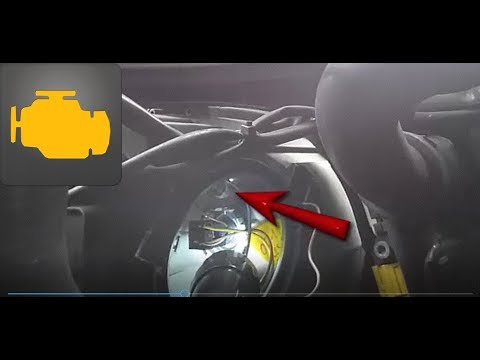
Audi A4
(2004-2008 /
B7)
In this very simple video tutorial we will see how to remove the front position light bulb of an Audi A4. First we go to open the engine hood and rem…
Audi A4
(2000-2004 /
B6)
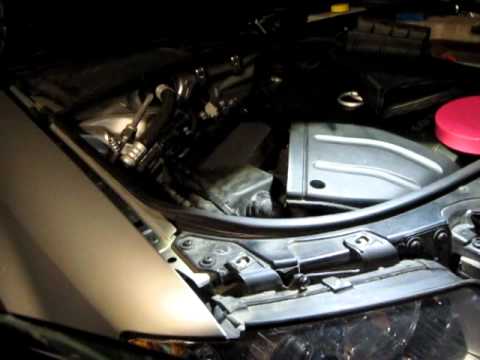
Removing the headlight on the Audi A4. Let's see how the headlight is removed from above the front of the Audi. We open and lift the front hood, unsc…
Audi A4
(2004-2008 /
B7)
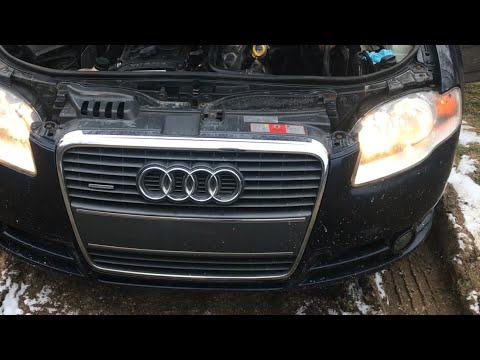
The guide shows how to replace the headlight bulbs of the Audi A4 b7. After securing the car and opening the bonnet, go to the rear of the light to b…
Other guides you may be interested in
|
Frequently Asked QuestionsHow to Pair Smartphone with Bluetooth System on Fiat Tipo
Here’s how to pair your smartphone with the Bluetooth system of the Fiat Tipo's car radio: activate the Bluetooth on your smartphone and set the car radio to connect with the external device. When the car's multimedia system detects your smartphone's Bluetooth, confirm and click on the 'new cell' option. Once the system has detected the smartphone, enter the pairing password if necessary. Finally, download the app on your smartphone and confirm the pairing with the car's multimedia system. Now your smartphone is connected to your car. by ScegliAuto More videos
|
|
For advertising on this site Write to info@scegliauto.com
ScegliAuto is not responsible for any inaccuracy of the data in the lists. To report any inaccuracy or your business (if you own the business in question), please write to info@scegliauto.com
Number of seconds to generate the page: 0.120
(c) ScegliAuto 2026 - info@scegliauto.com - Privacy policy VAT number: IT01247470535 |
