
|
Do it yourself
| |||
| ||||



How to Remove the Oil Filter from an Audi A4
Model: Audi A4
B8
- Years:
2007, 2008, 2009, 2010, 2011, 2012, 2013, 2014, 2015, 2016
Video tutorial
Before you can start, open the hood of your Audi A4 to gain the necessary space to work without obstruction. Begin by removing the engine cover by simply unhooking it. Next, unscrew the oil filler cap. At this point, if possible, lift the vehicle (if you cannot lift the vehicle, that is okay). Proceed to drain the oil by placing a container under the drain hole and unscrewing the corresponding bolt. Once the oil is drained, lower the vehicle and remove the oil filter by unscrewing it with a 76-14F socket wrench. After you finish unscrewing it, you can remove the oil filter, successfully completing the removal process.
Updated on 1 April 2026 by ScegliAuto
Related tutorials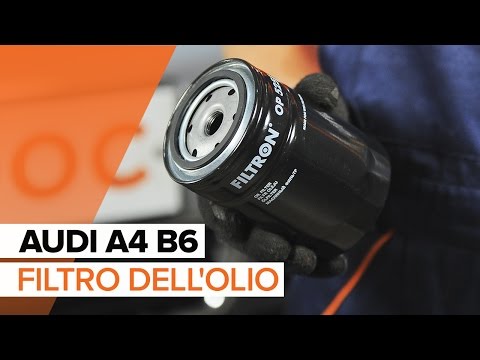
Audi A4
(2000-2004 /
B6)
Follow these steps to replace the oil filter on an Audi A4: Lift the car on a column lift and remove the oil pan bolt. Allow the oil to drain into a …

Audi A4
(2004-2008 /
B7)
How do you replace the engine oil filter in an Audi A4? Let's see in this guide how to proceed with the replacement. Lift the car with a column lift …
Audi A4
(2007-2016 /
B8)
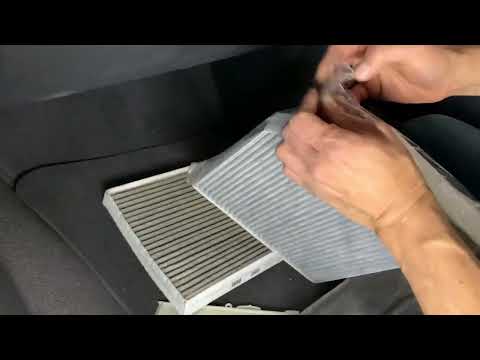
In this new mini guide for all Audi A4 B8 owners (model years 2007-2015), you will learn the steps to quickly and safely replace the cabin air filter…
Other guides you may be interested in
|
How to Reset the Tyre Pressure Warning Light on the Jeep Renegade?
To reset the tyre pressure warning light on the Jeep Renegade, inflate the tyres until they reach the recommended pressure: this value is indicated on the sticker attached to the driver’s door pillar. Once the tyres are properly inflated, navigate through the menu that appears on the instrument cluster until you find the tyre pressure option. At this point, press and hold the OK button on the right side of the steering wheel to make the warning light disappear. by ScegliAuto More videos
|
|
For advertising on this site Write to info@scegliauto.com
ScegliAuto is not responsible for any inaccuracy of the data in the lists. To report any inaccuracy or your business (if you own the business in question), please write to info@scegliauto.com
Number of seconds to generate the page: 0.027
(c) ScegliAuto 2026 - info@scegliauto.com - Privacy policy VAT number: IT01247470535 |
