
|
Do it yourself
| |||
| ||||


Key remote control battery replacement on Audi A1-A3 2020
We see in this video the instructions to be able to disassemble and replace the key remote control battery on a 2020 Audi A1 and A3. First we take our remote control and with a very thin plastic lever or even with a flat screwdriver we go to remove the rear cover of the remote control, in order to access the battery compartment; then we remove the latter and replace it with the new one, of the right type (in this case a 3V CR 2032). We just have to insert it in the correct direction and replace the cover, checking the operation of the remote control!
Posted on 28 January 2021 by ScegliAuto
Video tutorial
Related tutorials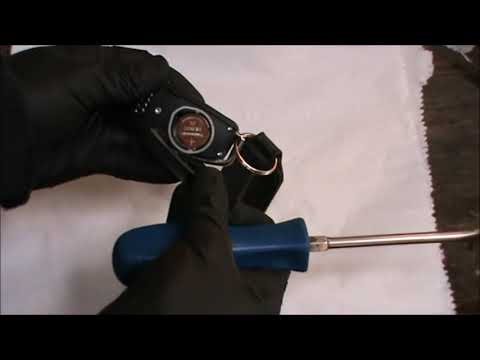
Audi A1
(2010-2018 /
MK 1, 8X)
In order to replace the battery of the Audi A1 remote control, you need to press the appropriate button located on the top of the device, so that the…
Audi A1
(2018-2025 /
GB, MK 2)
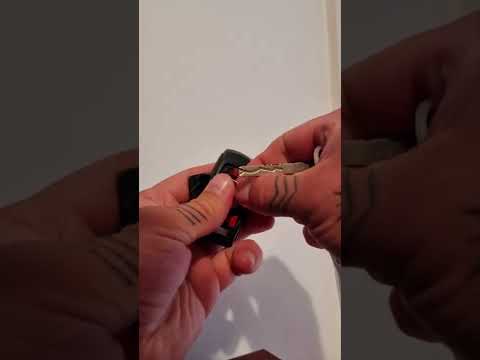
In this tutorial we can learn how to replace the remote control battery of a 2020 Audi A1 car. The operation is very simple and does not require any …

Audi A1
(2010-2018 /
MK 1, 8X)
The battery of the Audi A1 remote control can be replaced independently thanks to our short video tutorial that will show us the steps to follow. The…
Other guides you may be interested in
|
Removing the Left Driver's Door Panel on a Toyota Aygo
Carry out the removal of the left driver's door panel on a Toyota Aygo, here’s how to proceed. Before starting the disassembly, disconnect the battery terminals located in the engine bay. Use a lever or screwdriver to remove the window winder from the door panel. Unscrew the screws of the upper door opening lever with a screwdriver, then remove the trim plastic near the lever (remove the fastening screws). Use the lever to detach the fastening clips of the door panel from the door. Finally, grasp the panel with your hands and pry it off from the door. Reassemble everything in reverse order. by ScegliAuto More videos
|

|
For advertising on this site Write to info@scegliauto.com
ScegliAuto is not responsible for any inaccuracy of the data in the lists. To report any inaccuracy or your business (if you own the business in question), please write to info@scegliauto.com
Number of seconds to generate the page: 0.122
(c) ScegliAuto 2026 - info@scegliauto.com - Privacy policy VAT number: IT01247470535 |
