
|
Do it yourself
| |||
| ||||


How to remove the light switch of an Audi A4
Model: Audi A4
B7
- Years 2004-2008
Before starting, we will have to sit in the driver's seat of our Audi A4. So let's start by going to press and hold the light switch. In the meantime, we will have to rotate it clockwise and pull it towards us. By doing so, we will have released the light switch itself. We then proceed by going to extract the switch from the dashboard. At this point, we will have to disconnect the relative electrical connector, simply by unhooking the fixing clip and pulling. When we have completed this step, we can remove the light switch, and the disassembly is complete.
Posted on 16 June 2021 by ScegliAuto
Video tutorial
Related tutorials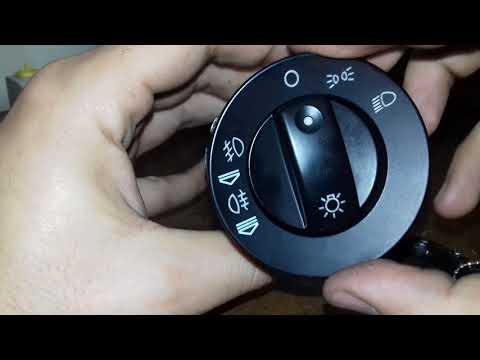
Audi A4
(2004-2008 /
B7)
To remove the headlight switch on Audi A4 (versions B6 and B7) you have to push the same switch all the way and then rotate it: as you can see in the…
Audi A4
(2004-2008 /
B7)
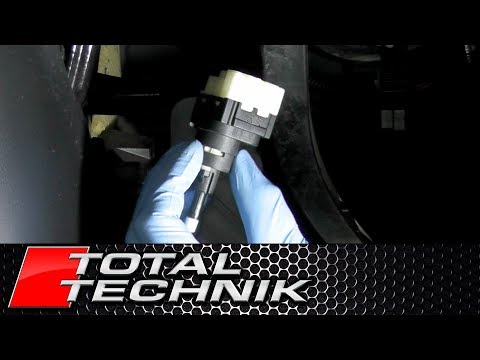
Below we will see the instructions that will allow us to disassemble and replace the rear brake pedal switch of the Audi A4. First, we get in the car…
Audi A4
(2004-2008 /
B7)
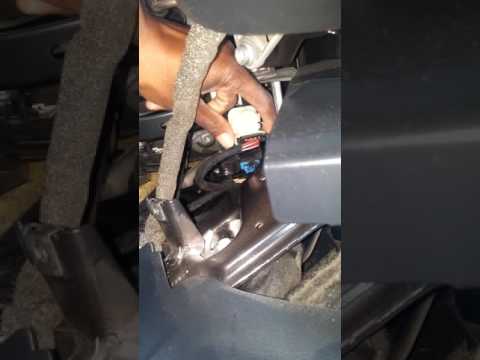
In order to replace the brake pedal switch of the Audi A4, you need to completely remove the trim panel located behind the pedal assembly. Once this …
Other guides you may be interested in
|
Frequently Asked QuestionsHow to Remove the Gear Knob on a Renault Scenic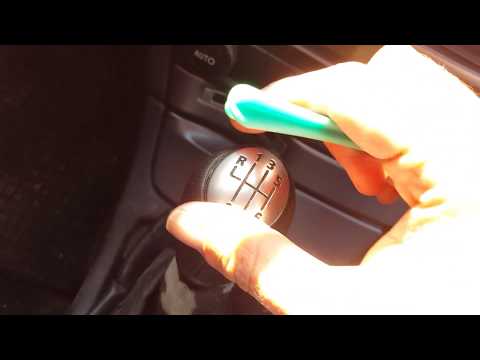
Want to replace the gear knob on a Scenic? Let’s see how to do it in this video. First, detach the leather gaiter cover from the edge of the centre console. Use a plastic spatula to remove the cap indicating the gear numbers. Grip the knob and twist it until it comes off the shaft. Disconnect the knob from the gaiter, fit a new one onto the gaiter (if the gaiter is damaged, replace it with a new one) and attach it to the metal shaft. Finally, secure the connectors of the leather gaiter onto the centre console. by ScegliAuto More videos
|

|
For advertising on this site Write to info@scegliauto.com
ScegliAuto is not responsible for any inaccuracy of the data in the lists. To report any inaccuracy or your business (if you own the business in question), please write to info@scegliauto.com
Number of seconds to generate the page: 0.136
(c) ScegliAuto 2026 - info@scegliauto.com - Privacy policy VAT number: IT01247470535 |
