
|
Do it yourself
| |||
| ||||


How to Replace the Remote Battery in an Audi Q5?
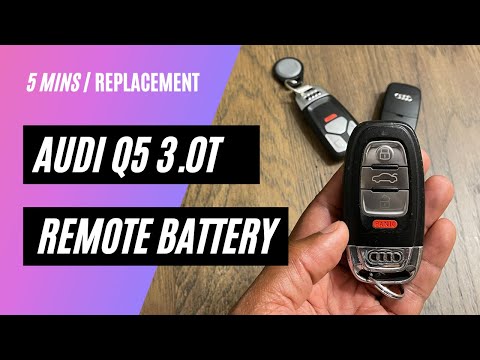
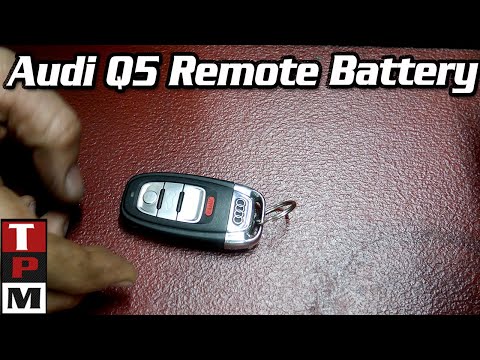
Replacing the dead battery in the Audi Q5 remote is a very simple task. Follow these steps in this tutorial. You won't need any special tools, just a replacement battery, model CR2032. Start by pressing the side button and removing the emergency metal key. Next, pull out the small drawer containing the battery as shown in the video. At this point, remove the old battery and insert the new one, making sure to respect the correct polarity, meaning the positive terminal should face down.
Updated on 3 May 2026 by ScegliAuto
Video tutorial
Related tutorials
Audi Q5
(2008-2017 /
MK 1, 8R)
To replace the key fob battery for the Audi Q5, use an object to pry at the side of the device to remove the plastic cover at the back of the fob. In…
Audi Q5
(2017-2025 /
MK 2, 80A)
To replace the battery in the Audi Q5 key fob, press the button on the chrome cover and remove it to access the internal key. Once the chrome cover a…
Audi Q5
(2008-2017 /
MK 1, 8R)
To replace the battery in the remote for the Audi Q5, press the button located on the chrome part at the top of the remote. Pressing the button will …
Other guides you may be interested in
|
How to Replace the Diesel Filter of the Peugeot 3008 1.5 BlueHDI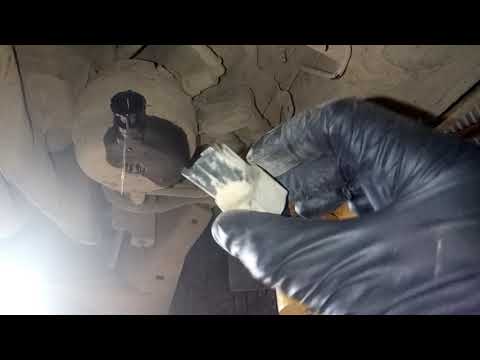
Briefly, we will see the main instructions for dismantling and replacing the diesel filter of the Peugeot 3008 1.5 BlueHDI. First, locate the diesel filter under the vehicle, so it will be necessary to lift it; then disconnect the electrical connector and the fuel lines from the filter, unscrewing the side screws to remove the cartridge, as shown in the video. At this point, replace the diesel filter with the new one, as well as with the original one; then reconnect the pipes and the electrical connector, following the video tutorial to the end! by ScegliAuto More videos
|
|
For advertising on this site Write to info@scegliauto.com
ScegliAuto is not responsible for any inaccuracy of the data in the lists. To report any inaccuracy or your business (if you own the business in question), please write to info@scegliauto.com
Number of seconds to generate the page: 0.999
(c) ScegliAuto 2026 - info@scegliauto.com - Privacy policy VAT number: IT01247470535 |
