
|
Do it yourself
| |||
| ||||


|
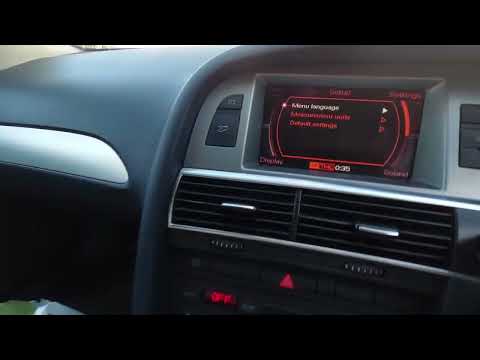
In this tutorial we can see how to set the time in the Audi A6, a very simple and fast operation, to be carried out after being left with the battery on the ground or following the change to winter and summer time. First of all, turn on the instrument panel, then press the "CAR" button on the center console and then the "SETUP" button. At this point, in the menu that appears on the display, we set the time, format and date according to needs using the large knob and the key located inside it. Once the operation is finished, we return to the main screen.
Posted on 4 April 2022 by ScegliAuto
Video tutorial
Related tutorials
Audi A6
(2004-2012 /
C6, MK 3)
Having the need to adjust the time of your Audi A6 C6, for a series of reasons, whether it be changing from legal to solar time and vice versa or for…

Audi A6
(2004-2012 /
C6, MK 3)
Today we will explain how to set the time on the onboard computer in an Audi A6 vehicle. To set the time, we need to press the "Settings" button, loc…
Audi A6
(2004-2012 /
C6, MK 3)
Soon we will see the instructions that will allow us to adjust the time of the Audi A6, following these simple steps. First, we get on board the car …
Other guides you may be interested in
|
How to Replace the Key Fob Battery for an Audi A4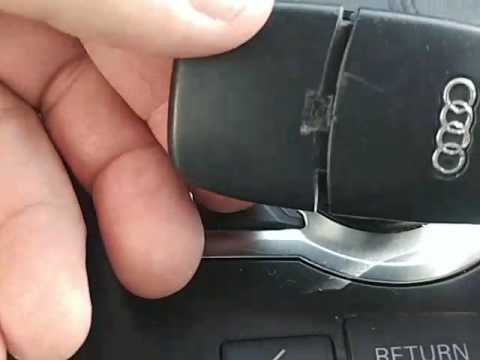
How do you replace the battery in the key fob of an Audi A4? Let's see how to do it in detail: take your remote and press the button to release the metal key (if present). Once extracted, use a lever to separate the two covers (as shown in the video). Remove the dead battery from the compartment (after separating the two halves of the covers), take a new one of the same size and voltage. Reassemble the plastic battery holder into the remote cover, then insert the metal key back into the cover. Check the remote's proper functioning. by ScegliAuto More videos
|
|
For advertising on this site Write to info@scegliauto.com
ScegliAuto is not responsible for any inaccuracy of the data in the lists. To report any inaccuracy or your business (if you own the business in question), please write to info@scegliauto.com
Number of seconds to generate the page: 0.140
(c) ScegliAuto 2026 - info@scegliauto.com - Privacy policy VAT number: IT01247470535 |
