
|
Do it yourself
| |||
| ||||


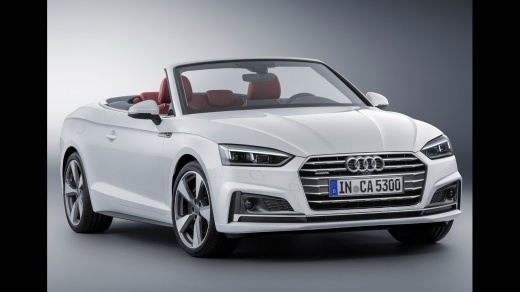
How to Disable the Audi Pre-Sense on the Audi A5
Model: Audi A5
8W6
- Years:
2018, 2019, 2020, 2021, 2022, 2023, 2024, 2025
This video is currently unavailable
Let’s briefly go through the instructions to disable the Audi Pre-Sense on the Audi A5. First, get in the vehicle and turn on the instrument panel; then navigate to the vehicle settings using the central knob to scroll through the options, and go to the driver assistance features, specifically to Pre-Sense, as shown in the video. At this point, disable the Pre-Sense using the appropriate setting; you can reactivate the Pre-Sense function at any time, along with all other driver assistance features.
Updated on 23 August 2026 by ScegliAuto
Related tutorials
Audi A5
(2007-2016 /
8T8, 8T, 8T3, 8F)
You can disable the Start&Stop feature on the Audi A5 by pressing the dedicated button with an A inside a circular arrow located on the central dashb…
Audi A5
(2007-2016 /
8T8, 8T, 8T3, 8F)
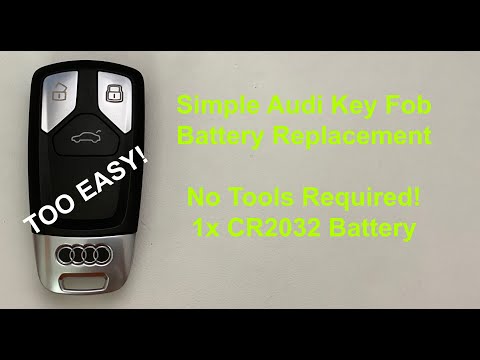
Let's see how to replace the battery in the remote for our Audi A5; the same procedure applies to Audi A4, Audi TT, and other models from the same ma…
Audi A5
(2007-2016 /
8T8, 8T, 8T3, 8F)
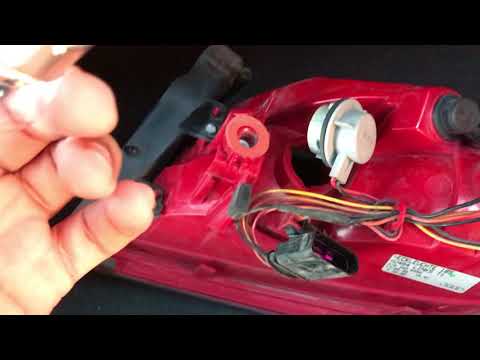
Before you can start, open the boot of your Audi A5. First, unclip and move the inner side cover of the boot located near the rear light. Next, unscr…
Other guides you may be interested in |
How to Reset the Tyre Pressure Warning Light on the Jeep Renegade?
To reset the tyre pressure warning light on the Jeep Renegade, inflate the tyres until they reach the recommended pressure: this value is indicated on the sticker attached to the driver’s door pillar. Once the tyres are properly inflated, navigate through the menu that appears on the instrument cluster until you find the tyre pressure option. At this point, press and hold the OK button on the right side of the steering wheel to make the warning light disappear. by ScegliAuto More videos
|
|
For advertising on this site Write to info@scegliauto.com
ScegliAuto is not responsible for any inaccuracy of the data in the lists. To report any inaccuracy or your business (if you own the business in question), please write to info@scegliauto.com
Number of seconds to generate the page: 0.009
(c) ScegliAuto 2026 - info@scegliauto.com - Privacy policy VAT number: IT01247470535 |
