
|
Do it yourself
| |||
| ||||


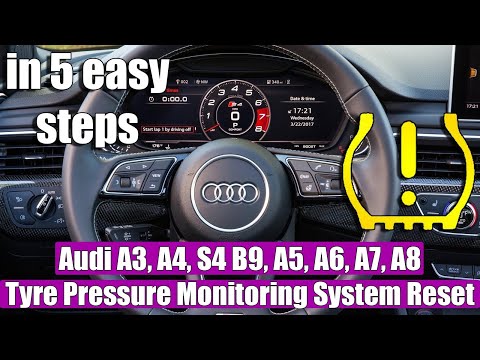
How to reset the TPMS light on an Audi vehicle.
Model: Audi Audi Various
Today we will explain how to reset the TPMS light on an Audi vehicle. Before resetting the light, it is necessary to adjust the tire pressure according to the manufacturer's instructions. To reset the TPMS light, we need to: - turn on the instrument panel; - turn on the onboard computer; - select the "VEHICLE" option to access the Auto Menu; - select the "Tire Pressure" option to access the Reset Menu; - select the Reset option and wait for the new pressure to load. Once finished, return to the main menu, turn off and restart the instrument panel to complete the reset.
Posted on 17 January 2024 by ScegliAuto
Video tutorial
Related tutorials
Audi Audi Various
The TPMS warning light reset, related to tire pressure on an Audi car, follows simple and quick steps to be carried out independently. To perform the…

Audi Audi Various
In today's video, we will see how to reset the TPMS light of a latest generation Audi vehicle. First, we need to make sure that all four tires have t…
Audi Audi Various
If the TPMS light has turned on in the instrument panel of our Audi, it means that a loss of pressure has been detected in one or more tires. Once th…
Other guides you may be interested in
|
How to Replace the Cabin Filter in a Peugeot 207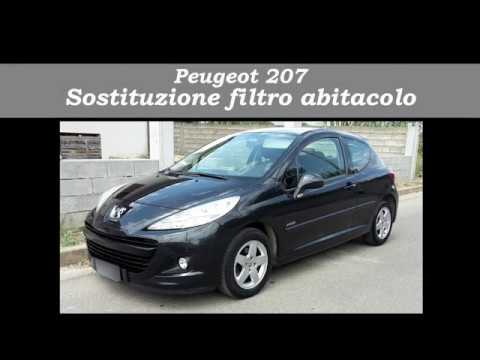
How do you replace the cabin filter (pollen filter) located in a Peugeot 207? Follow these steps to remove the filter from its dedicated housing: use a screwdriver to unscrew the screws of the plastic cover located under the front windscreen, then remove the filter cover using a lever (where the air filter is located). Use a screwdriver to remove the cap from the filter housing and extract the cabin filter. Insert a new filter ensuring it fits snugly around the walls of the box. Finally, reattach the filter box cap and tighten the screws. Close the engine bonnet after assembly. by ScegliAuto More videos
|
|
For advertising on this site Write to info@scegliauto.com
ScegliAuto is not responsible for any inaccuracy of the data in the lists. To report any inaccuracy or your business (if you own the business in question), please write to info@scegliauto.com
Number of seconds to generate the page: 0.054
(c) ScegliAuto 2026 - info@scegliauto.com - Privacy policy VAT number: IT01247470535 |
