
|
Do it yourself
| |||
| ||||


parking sensors installation
Model: Audi A4
B6
- Years:
2000, 2001, 2002, 2003, 2004
Video tutorial
First, obtain the sensor kit. Begin by protecting the bumper with standard masking tape used for painting. Using the installation diagram supplied with the kit, mark the sensor mounting points on the tape. Using a drill, make small pilot holes at the marked positions. Then fit a hole saw matching the diameter of the sensors and enlarge the holes accordingly. Insert the sensors into the holes and route all cables into the trunk, organizing them into a neat wiring harness. Remove the rear light assembly and locate the reverse light wire. Connect the cable fitted with a ring terminal to a suitable ground screw, and connect the positive power wire to the reverse light wire. To do this, use appropriate quick splice connectors (tap connectors) to create a safe and secure connection. Connect all sensors to the control unit and install the buzzer inside the vehicle, routing the cables underneath the center tunnel. Finally, test the sensors to ensure proper operation.
Posted on 5 December 2014 by ScegliAuto
Related tutorials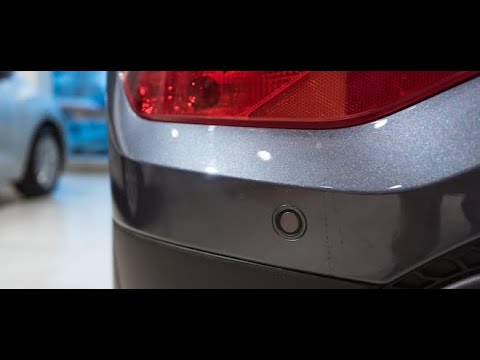
Audi A4
(2004-2008 /
B7)
In today's tutorial, we will see how to remove the parking sensors on an Audi A4 B7, second generation. First, open the trunk and remove the screws s…
Audi A4
(2004-2008 /
B7)
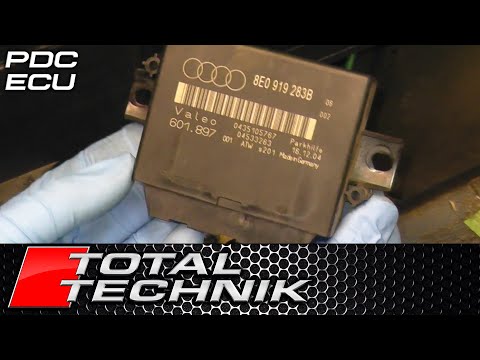
In this video tutorial, you will learn how to remove the parking sensor module from an Audi A4 B6-B7 in simple steps. First, locate the position of t…

Audi A4
(2007-2016 /
B8)
Today's instructions will allow us to disassemble and replace the parking brake button of the Audi A4. First, let's get inside the car and start disa…
Other guides you may be interested in
|
How to Open the Fuel Filler Flap in the Hyundai i30?
In this tutorial, you will learn how to open the fuel filler flap in the Hyundai i30, a very simple operation that follows the typical procedure of most vehicles. First, unlock the locks using the designated button on the remote, then open the driver's door, locate the release lever on the left side of the seat, and operate it. Next, move to the fuel filler flap, open it completely, unscrew the cap, and refuel as needed. To close the flap, simply press it gently. by ScegliAuto More videos
|
|
For advertising on this site Write to info@scegliauto.com
ScegliAuto is not responsible for any inaccuracy of the data in the lists. To report any inaccuracy or your business (if you own the business in question), please write to info@scegliauto.com
Number of seconds to generate the page: 0.013
(c) ScegliAuto 2026 - info@scegliauto.com - Privacy policy VAT number: IT01247470535 |
