
|
Do it yourself
| |||
| ||||


Audi A4 - Accessory kitAccessory Kit Audi A4 (2007-2016 / b 8) Audi A4 (2007-2016 / B8)
How to connect the wires of the rear camera to the blue connector of the MMI of an Audi A4 B8 Regarding the connection of the rear camera on an Audi A4 B8, an entire video is dedicated to a particularly delicate part, which is the connection of the rear …Read all… Posted on 17 May 2025 by ScegliAuto  Audi A4 (2000-2004 / B6)
Installing a Turbo Pressure Gauge In the 1980s and 1990s, the turbo pressure gauge was a common accessory in the instrument cluster of many turbocharged cars, but it has gradually disappeared, …Read all… Posted on 28 February 2026 by ScegliAuto 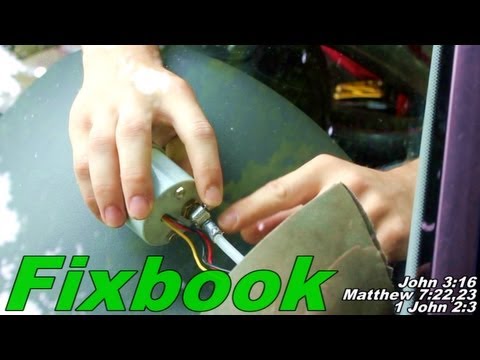 Audi A4 (2000-2004 / B6)
Turbo Pressure Gauge Repair If you have installed a gauge to monitor turbo pressure, the most challenging part of the job was likely routing the hose from the engine compartment to the …Read all… Posted on 25 February 2026 by ScegliAuto 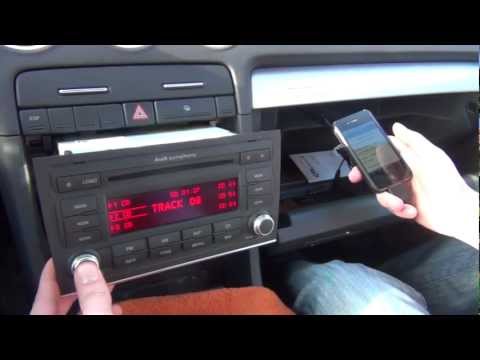 Audi A4 (2004-2008 / B7)
Installing an Aux Input Adapter To install the Aux output adapter to the original car radio, first, you need to remove the radio itself: for this operation, you will need the appropriate …Read all… Posted on 15 February 2026 by ScegliAuto 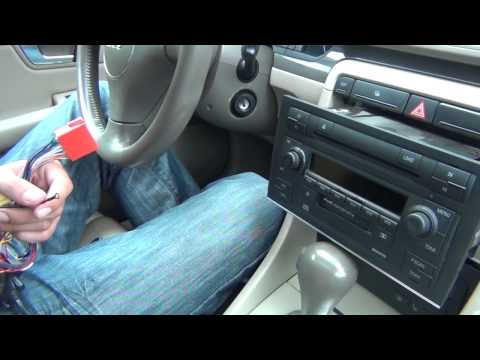 Audi A4 (2000-2004 / B6)
Installing iPhone, iPod, and AUX in Your Car Radio Connecting some devices to your car radio depends on how old and equipped it is. You can connect these devices to the car radio via the AUX input, as long as …Read all… Posted on 15 February 2026 by ScegliAuto 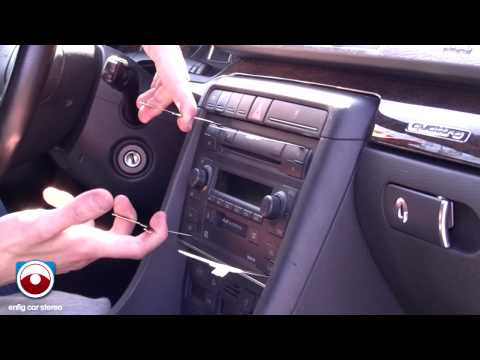 Audi A4 (2000-2004 / B6)
Installation of iPod Accessory Kit and Disassembly of Car Radio Using the appropriate tools that fit into the slots above and below the car radio to release the retaining springs, pull out the complete console and remove …Read all… Posted on 4 February 2026 by ScegliAuto 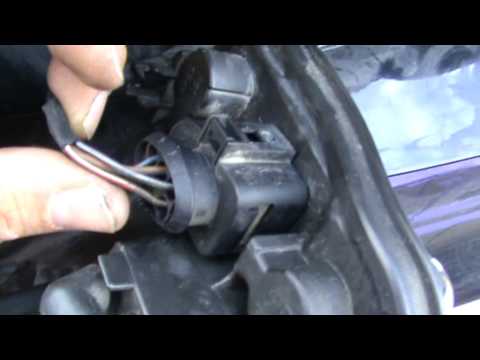 Audi A4 (2000-2004 / B6)
parking sensors installation First, obtain the sensor kit. Begin by protecting the bumper with standard masking tape used for painting. Using the installation diagram supplied with the …Read all… Posted on 8 February 2026 by ScegliAuto Accessory Kit Audi A4 (2004-2008 / b 7)
Audi A4 (2007-2016 / B8)How to connect the wires of the rear camera to the blue connector of the MMI of an Audi A4 B8 Regarding the connection of the rear camera on an Audi A4 B8, an entire video is dedicated to a particularly delicate part, which is the connection of the rear …Read all… Posted on 17 May 2025 by ScegliAuto
Audi A4 (2000-2004 / B6)Installing a Turbo Pressure Gauge In the 1980s and 1990s, the turbo pressure gauge was a common accessory in the instrument cluster of many turbocharged cars, but it has gradually disappeared, …Read all… Posted on 28 February 2026 by ScegliAuto
Audi A4 (2000-2004 / B6)Turbo Pressure Gauge Repair If you have installed a gauge to monitor turbo pressure, the most challenging part of the job was likely routing the hose from the engine compartment to the …Read all… Posted on 25 February 2026 by ScegliAuto
Audi A4 (2004-2008 / B7)Installing an Aux Input Adapter To install the Aux output adapter to the original car radio, first, you need to remove the radio itself: for this operation, you will need the appropriate …Read all… Posted on 15 February 2026 by ScegliAuto
Audi A4 (2000-2004 / B6)Installing iPhone, iPod, and AUX in Your Car Radio Connecting some devices to your car radio depends on how old and equipped it is. You can connect these devices to the car radio via the AUX input, as long as …Read all… Posted on 15 February 2026 by ScegliAuto
Audi A4 (2000-2004 / B6)Installation of iPod Accessory Kit and Disassembly of Car Radio Using the appropriate tools that fit into the slots above and below the car radio to release the retaining springs, pull out the complete console and remove …Read all… Posted on 4 February 2026 by ScegliAuto
Audi A4 (2000-2004 / B6)parking sensors installation First, obtain the sensor kit. Begin by protecting the bumper with standard masking tape used for painting. Using the installation diagram supplied with the …Read all… Posted on 8 February 2026 by ScegliAuto Accessory Kit Audi A4 (2000-2004 / b 6)
Audi A4 (2007-2016 / B8)How to connect the wires of the rear camera to the blue connector of the MMI of an Audi A4 B8 Regarding the connection of the rear camera on an Audi A4 B8, an entire video is dedicated to a particularly delicate part, which is the connection of the rear …Read all… Posted on 17 May 2025 by ScegliAuto
Audi A4 (2000-2004 / B6)Installing a Turbo Pressure Gauge In the 1980s and 1990s, the turbo pressure gauge was a common accessory in the instrument cluster of many turbocharged cars, but it has gradually disappeared, …Read all… Posted on 28 February 2026 by ScegliAuto
Audi A4 (2000-2004 / B6)Turbo Pressure Gauge Repair If you have installed a gauge to monitor turbo pressure, the most challenging part of the job was likely routing the hose from the engine compartment to the …Read all… Posted on 25 February 2026 by ScegliAuto
Audi A4 (2004-2008 / B7)Installing an Aux Input Adapter To install the Aux output adapter to the original car radio, first, you need to remove the radio itself: for this operation, you will need the appropriate …Read all… Posted on 15 February 2026 by ScegliAuto
Audi A4 (2000-2004 / B6)Installing iPhone, iPod, and AUX in Your Car Radio Connecting some devices to your car radio depends on how old and equipped it is. You can connect these devices to the car radio via the AUX input, as long as …Read all… Posted on 15 February 2026 by ScegliAuto
Audi A4 (2000-2004 / B6)Installation of iPod Accessory Kit and Disassembly of Car Radio Using the appropriate tools that fit into the slots above and below the car radio to release the retaining springs, pull out the complete console and remove …Read all… Posted on 4 February 2026 by ScegliAuto
Audi A4 (2000-2004 / B6)parking sensors installation First, obtain the sensor kit. Begin by protecting the bumper with standard masking tape used for painting. Using the installation diagram supplied with the …Read all… Posted on 8 February 2026 by ScegliAuto Accelerator (1) Cigarette lighter (1) Airbag (8) Alternator (7) Speaker (3) Shocks (10) Antenna (1) Air conditioning (11) Car stereo (20) Battery (27) Air vents (1) Bushings (1) Control arm (10) Transmission (5) Spark plugs (10) Glow plugs (4) Convertible top (6) Body (8) Glove compartment (16) Control unit (9) Key (104) Trunk lock (2) Timing belt (48) V-belt (7) Air conditioner (1) A/C controls (6) Onboard computer (14) Checks and maintenance (75) Throttle body (2) Dashboard (7) Shifter boot (3) CV boot (1) Bearing (2) MAF sensor (1) Brake rotors (6) Headlight (33) Tail light (21) Fog lights (5) Diesel particulate filter (2) Air filter (19) Cabin air filter (24) Fuel filter (3) Diesel fuel filter (5) Oil filter (4) Parking brake (4) Clutch (1) Grille (7) Fuel injectors (2) Window switch (3) Accessory kit (7) Xenon headlight kit (1) Light bulb (8) Headlight bulb (30) Tail light bulb (14) Interior dome light bulb (14) Antifreeze coolant (1) License plate light (5) (7) Handle (12) Exhaust muffler (1) Engine (8) Power window motor (7) Starter motor (11) Transmission fluid (6) Engine oil (8) Power steering fluid (1) Clock (23) Door trim panel (45) Windshield (1) Front bumper (18) Rear bumper (11) Brake pads (9) Hydraulic pistons (2) Tires (2) Shift knob (13) Pump (4) Fuel pump (22) Car door (6) Push button (5) Power window switch (9) Instrument cluster (10) Radiator (6) Heater core (7) Wheel (3) Fuse box (88) Seat (28) Axle shaft (4) Crankshaft position sensor (5) Engine coolant temperature sensor (3) Parking sensors (1) Door lock (10) Brake system (2) Suspension system (2) Side mirror (19) Rearview mirror (6) AdBlue warning light (13) Warning light – error code (39) Tire pressure warning light (41) Service warning light (118) Manufacturer emblem (1) Engine mount (2) Fuel cap (8) Windshield wipers (12) Thermostat (14) Tie rods (1) Center console tunnel (3) Turbocharger (3) Valve (3) EGR valve (3) Blower motor (2) Side window (2) Steering wheel (5) |
How to Remove the Rear Seat of a Hyundai Tucson?
To remove the rear seat of a Hyundai Tucson, follow these steps. Start by moving the front seats to their most forward position to gain space. Next, locate the release lever on the underside of the rear seat, near the floor. Press this lever down while pulling the seat upwards to unlock it from the anchor pins. Once unlocked, tilt the seat upwards and forwards to remove it from its position. Repeat this process for both sides of the rear seat. Be careful of any electrical cables or components that may be connected to the seat during removal. Once the rear seat is removed, the disassembly is complete. by ScegliAuto More videos
|
|
For advertising on this site Write to info@scegliauto.com
ScegliAuto is not responsible for any inaccuracy of the data in the lists. To report any inaccuracy or your business (if you own the business in question), please write to info@scegliauto.com
Number of seconds to generate the page: 0.137
(c) ScegliAuto 2026 - info@scegliauto.com - Privacy policy VAT number: IT01247470535 |
