
|
Do it yourself
| |||
| ||||


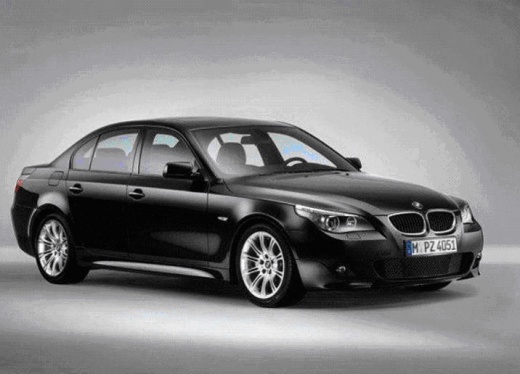
Removing Diesel Particulate Filter from BMW 5 Series
Model: BMW Serie 5
E60, E61
- Years:
2003, 2004, 2005, 2006, 2007, 2008, 2009, 2010
Video tutorial
In this video tutorial, you will learn how to remove and replace the diesel particulate filter from a BMW 5 Series if it is malfunctioning or clogged. Lift the vehicle and remove the bolts that connect the exhaust manifold to the filter. Then, disconnect the diesel particulate filter sensor and take it out of the car, as shown in the video. At this point, replace it with the new one of the correct model, reassemble it by tightening the bolts properly, and reconnect the sensor that indicates the filter's status.
Updated on 31 March 2026 by ScegliAuto
Related tutorials
BMW Serie 5
(1995-2003 /
E39)
In this video tutorial, you can see how to replace the fuel filter on a BMW "5 Series" 520 I: the first thing to do is order a fuel filter from an au…
BMW Serie 5
(1995-2003 /
E39)
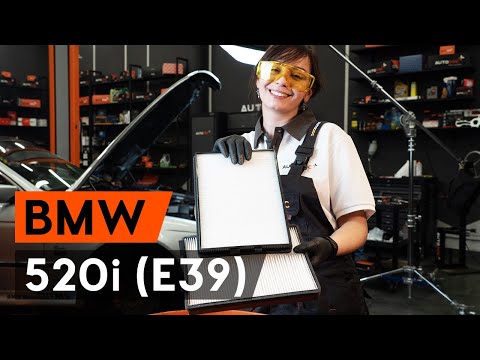
In this video tutorial, see how to replace the cabin air filter on a BMW 5 Series by following a few simple steps: First, purchase a new cabin air fi…

BMW Serie 5
(2010-2017 /
F11, F10)
Before you begin, open the front passenger door of your BMW 5 Series. Start by removing the covers located under the front glove compartment, unscrew…
Other guides you may be interested in
|
How to Remove the Toll Tag Holder from the Car Windscreen
The toll tag holder is usually attached to the car windscreen to ensure that the toll tag functions immediately when passing through barriers. However, if you decide to remove the holder, you should follow this procedure: - Insert the toll tag into the holder; - Pull the holder inwards to detach it from the windscreen; you can use a glass scraper or a stiff plastic card to assist you; After removing the holder, it is essential to remove the adhesive from the windscreen. To remove the adhesive, we recommend using a solvent-based spray that will remove the glue without clouding the area. by ScegliAuto More videos
|
|
For advertising on this site Write to info@scegliauto.com
ScegliAuto is not responsible for any inaccuracy of the data in the lists. To report any inaccuracy or your business (if you own the business in question), please write to info@scegliauto.com
Number of seconds to generate the page: 0.013
(c) ScegliAuto 2026 - info@scegliauto.com - Privacy policy VAT number: IT01247470535 |
