
|
Do it yourself
| |||
| ||||


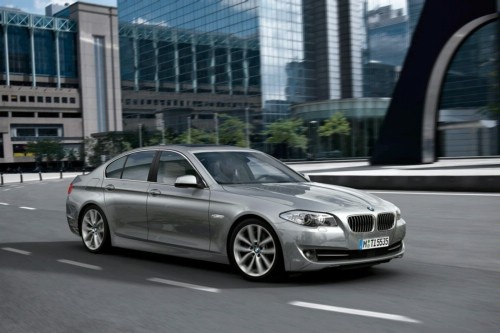
How to Replace the Front Headlight Lens on a BMW 5 Series?
Model: BMW Serie 5
F11, F10
- Years:
2010, 2011, 2012, 2013, 2014, 2015, 2016, 2017
Video tutorial
To replace the front headlight lens on a BMW 5 Series, open the hood to access all the screws that secure the headlight in its housing. Once the headlight is removed, after disconnecting the connectors, detach the lens. You may need to pry it off with a tool like a screwdriver or use specific tools for removing the adhesive that holds the lens to the headlight assembly. Once removed, you can install a new lens by reconnecting the connectors and reassembling the headlight.
Updated on 15 May 2026 by ScegliAuto
Related tutorials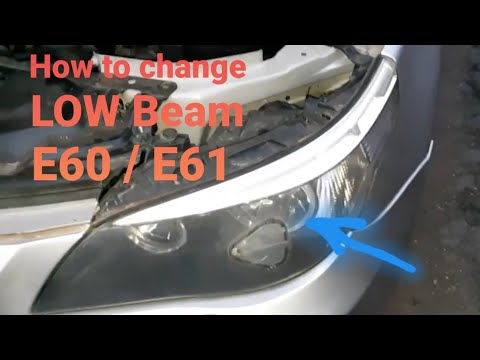
BMW Serie 5
(2003-2010 /
E60, E61)
To correctly complete the replacement of the headlight bulb on your BMW 5 Series E60 (2003-2010), follow the steps outlined in this mini guide. First…
BMW Serie 5
(2010-2017 /
F11, F10)
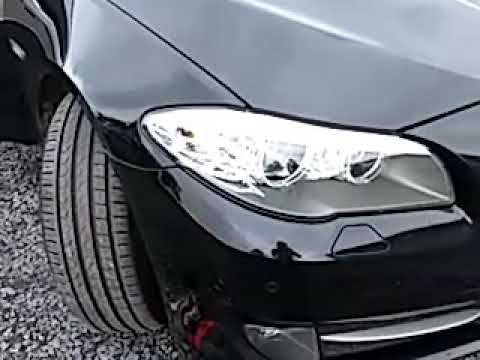
Are the bulbs damaged? Let's replace the front headlight bulbs on the BMW 5 Series. Lift the hood, locate the caps behind the front headlight. Pull t…

BMW Serie 5
(2003-2010 /
E60, E61)
If you have a BMW 5 Series that is a few years old, you may have noticed dirt accumulating on the front headlights that cannot be removed. With about…
Other guides you may be interested in
|
How to reset the tyre pressure warning light on the Dacia Sandero?
The tyre pressure warning light that appears on the instrument cluster of the Dacia Sandero can be reset by inflating the tyres until they reach the correct pressure value: this value is indicated on the sticker attached to the driver’s door pillar. Once the inflation is complete, navigate through the menu that appears on the instrument cluster to find the option related to the tyres: select this with the OK button, which should then be held down for a few seconds to completely turn off the light. by ScegliAuto More videos
|
|
For advertising on this site Write to info@scegliauto.com
ScegliAuto is not responsible for any inaccuracy of the data in the lists. To report any inaccuracy or your business (if you own the business in question), please write to info@scegliauto.com
Number of seconds to generate the page: 0.023
(c) ScegliAuto 2026 - info@scegliauto.com - Privacy policy VAT number: IT01247470535 |
