
|
Do it yourself
| |||
| ||||


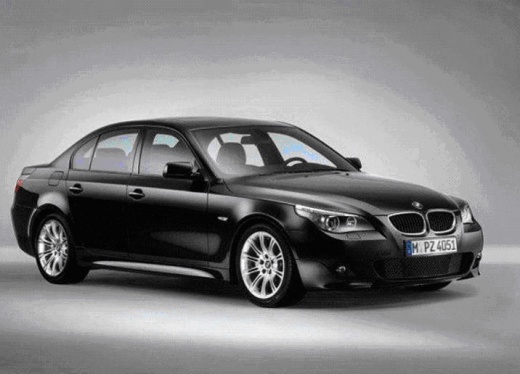
Installing AUX/USB Cable on Factory Radio
Model: BMW Serie 5
E60, E61
- Years:
2003, 2004, 2005, 2006, 2007, 2008, 2009, 2010
Video tutorial
This video shows how to install the AUX/USB cable on a factory radio. First, obtain the correct cable compatible with your radio and connect it via USB; the USB port is located inside the center console in the glove compartment. Once the cable is connected to the USB port, simply select the AUX playback mode on your radio; the screen will display all tracks available from the newly connected source, in this case, an iPhone. If the tracks play without issues, you have successfully completed the installation.
Updated on 11 February 2026 by ScegliAuto
Related tutorials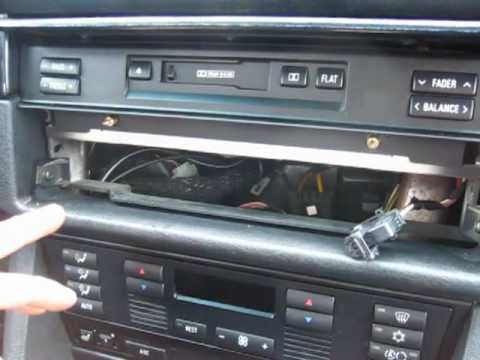
BMW Serie 5
(1995-2003 /
E39)
Remove the volume control knob and locate the hole to insert the key to release the retaining spring by turning it: once released, disconnect the dis…
BMW Serie 5
(1995-2003 /
E39)
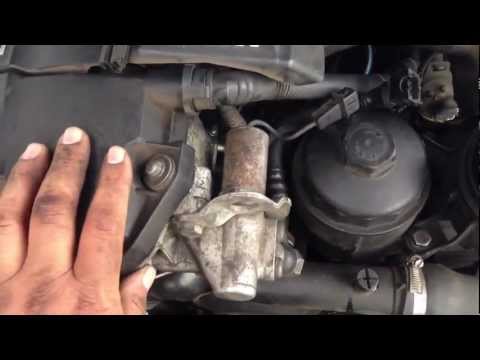
The necessary steps to perform the operation shown in the following guide consist of: 1) remove the battery cover of your car, 2) disconnect the nega…

BMW Serie 5
(1995-2003 /
E39)
In today's tutorial, you will learn how to replace the hood release cable on a BMW 5 Series E39 by following these simple steps. First, open the fron…
Other guides you may be interested in |
How to Reset the Tyre Pressure Warning Light on the Jeep Renegade?
To reset the tyre pressure warning light on the Jeep Renegade, inflate the tyres until they reach the recommended pressure: this value is indicated on the sticker attached to the driver’s door pillar. Once the tyres are properly inflated, navigate through the menu that appears on the instrument cluster until you find the tyre pressure option. At this point, press and hold the OK button on the right side of the steering wheel to make the warning light disappear. by ScegliAuto More videos
|
For advertising on this site Write to info@scegliauto.com
ScegliAuto is not responsible for any inaccuracy of the data in the lists. To report any inaccuracy or your business (if you own the business in question), please write to info@scegliauto.com
Number of seconds to generate the page: 0.014
(c) ScegliAuto 2026 - info@scegliauto.com - Privacy policy VAT number: IT01247470535 |
