
|
Do it yourself
| |||
| ||||


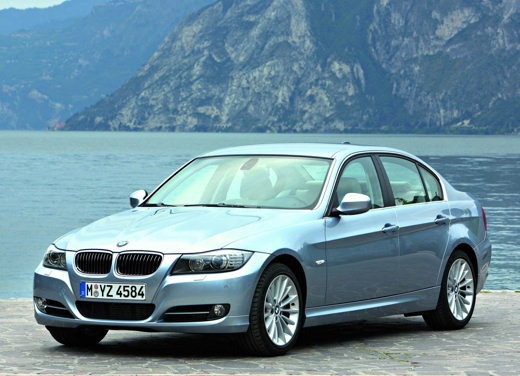
How do you set the BMW 3 Series clock?
Model: BMW Serie 3
E91, E90, E92
- Years 2005-2013
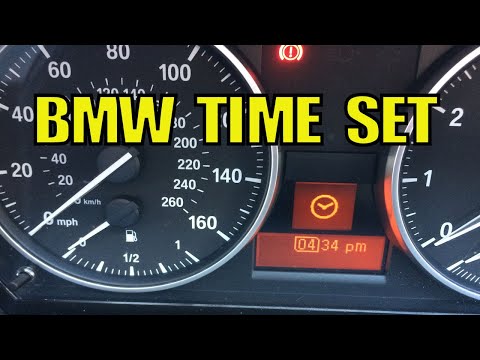
To be able to set the BMW 3 Series clock, you need to go and turn on the instrument panel with the appropriate button, so that you can have access to the items on the instrument panel: with the lever positioned on the lever to the left of the steering wheel, you will be able to move within the menu and select the clock icon with the BC button. Again with the same lever you can change the hours and confirm them again with the BC button; the minutes must be changed in the same way. Pressing the BC button again you will return to the initial screen, noting that the change has taken place.
Posted on 20 January 2023 by ScegliAuto
Video tutorial
Related tutorials
BMW Serie 3
(1998-2006 /
E46)
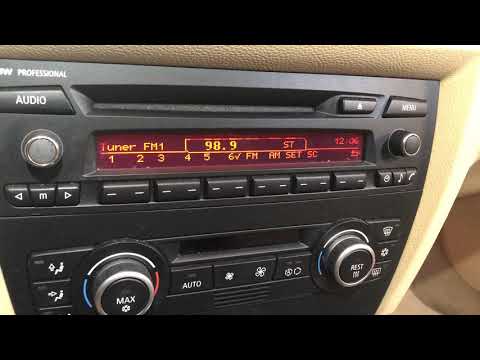
Today, you will learn how to set the clock on the instrument cluster of the BMW 3 Series model E46 by yourself. To set the clock, turn on the instrum…
BMW Serie 3
(2005-2013 /
E91, E90, E92)
Today's guide will show us how to adjust the time on the BMW 3 Series, following these simple steps. First, we get into the car and turn on the instr…
BMW Serie 3
(2005-2013 /
E91, E90, E92)
To be able to set the BMW 3 Series clock, you need to go and turn on the instrument panel by turning the key and moving within the menu on the panel:…
Other guides you may be interested in
|
Removing the Ignition Switch from a Mercedes C-Class W204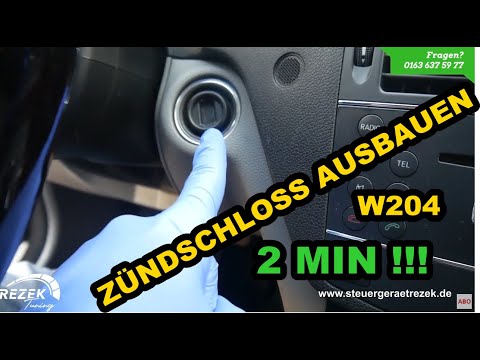
In this short video, you will see how to remove the ignition switch from a Mercedes C-Class (Mercedes W204). First, remove the chrome trim (if present) around the ignition switch by prying it off with a screwdriver (preferably something soft to avoid damaging the dashboard). Next, remove the plastic trim around the gauge cluster where the tachometer and speedometer are located, as well as the rectangular plastic trim surrounding the steering wheel. Simply unclip it. Now, press and push the ignition switch to release it from the housing, and you're done! by ScegliAuto More videos
|
|
For advertising on this site Write to info@scegliauto.com
ScegliAuto is not responsible for any inaccuracy of the data in the lists. To report any inaccuracy or your business (if you own the business in question), please write to info@scegliauto.com
Number of seconds to generate the page: 0.085
(c) ScegliAuto 2026 - info@scegliauto.com - Privacy policy VAT number: IT01247470535 |
