
|
Do it yourself
| |||
| ||||


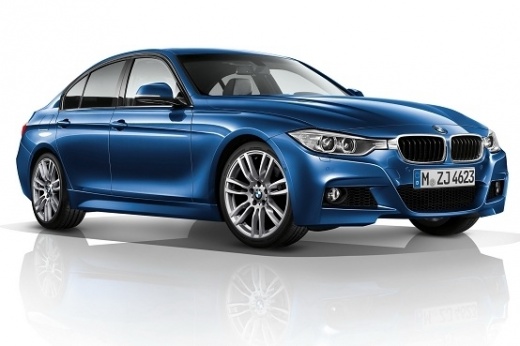
How to reset saved devices in the BMW 3 Series car stereo
Model: BMW Serie 3
F31, F30
- Years 2012-2019
In today's video you will see how to reset the devices coupled to the iDrive multimedia system of the mid-2000s BMWs. Specifically, it is the 3 Series but the system is common to many other models of the coeval group. Then enter the car radio settings and proceed to select the desired item in the part dedicated to the car radio. Once this is done, we select the devices we want to eliminate and proceed. After a few seconds you will have done this operation. You can then proceed to pair new devices if necessary and then you can finish the job.
Posted on 7 March 2023 by ScegliAuto
Video tutorial
Related tutorials
BMW Serie 3
(2005-2013 /
E92, E90, E91)
The instructions provided in this guide will allow us to remove and replace the stock radio of the BMW 3 Series. First, we get inside the vehicle and…

BMW Serie 3
(1998-2006 /
E46)
Today's step-by-step instructions will show us how to disassemble and replace the stock radio of the BMW 3 Series. First, we get into the car and sta…

BMW Serie 3
(2012-2019 /
F31, F30)
Today let's see the step-by-step instructions on how to disassemble and replace the standard car radio of the BMW 3 Series, in simple and quick steps…
Other guides you may be interested in
|
Frequently Asked QuestionsHow to Replace the Rear Door Lock on an Audi A4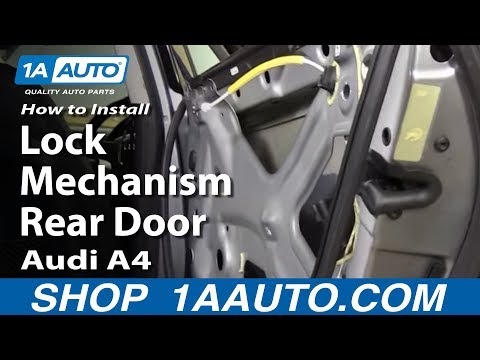
First, disconnect the negative cable from the battery. Now, open the door in question and lift the chrome strip at the top. Then, remove all the screws indicated in the video. You can now lift the door panel by pulling it towards you. Disconnect the connectors at the back and remove the panel. Next, you will need to remove the components shown in the video. Also, detach the weatherstrip around the door and the protective sheet. You will also need to remove the window glass by disconnecting all the connectors and bolts. Then, replace the damaged part and retrace the steps described in reverse. by ScegliAuto More videos
|
|
For advertising on this site Write to info@scegliauto.com
ScegliAuto is not responsible for any inaccuracy of the data in the lists. To report any inaccuracy or your business (if you own the business in question), please write to info@scegliauto.com
Number of seconds to generate the page: 0.081
(c) ScegliAuto 2026 - info@scegliauto.com - Privacy policy VAT number: IT01247470535 |
