
|
Do it yourself
| |||
| ||||


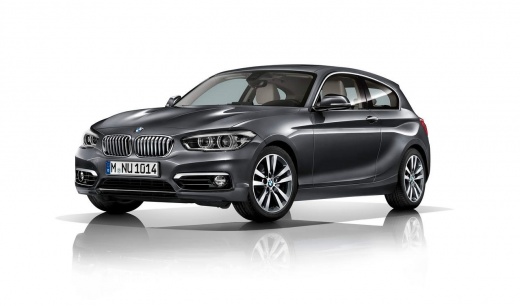
How to restore the brake pads of the BMW 1 Series.
Model: BMW Serie 1
F20, MK 2, F21
- Years 2011-2019
In this video, we are shown how to reset the brake pads on the BMW 1 Series F20/F21. The procedure is simple and takes little time to complete. To reset them, we first need to start the instrument panel, then press the 0.0 button for about 10 seconds to access the service menu. Once in the service menu, press the 0.0 button to scroll through the menu until the necessary options are found. Once found, press the 0.0 button for a few seconds until the reset prompt appears, then press the button again to confirm. After completing the brake pad reset, we can restart the instrument panel to verify that the procedure was successful.
Posted on 28 September 2023 by ScegliAuto
Video tutorial
Related tutorials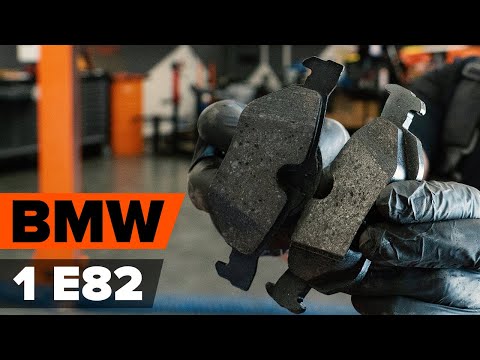
BMW Serie 1
(2004-2013 /
E82, E81, E87, MK 1)
Today we will see the procedure necessary for the disassembly and replacement of the rear brake pads of the BMW 1 Series, also in the coupé version. …
BMW Serie 1
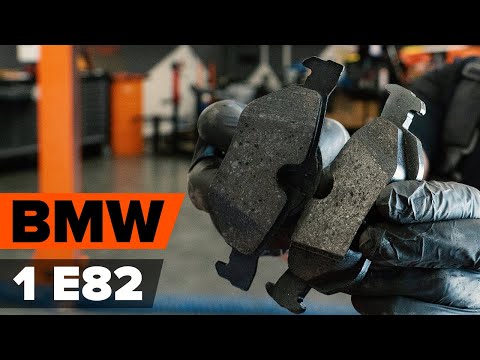
(2011-2019 /
F20, MK 2, F21)
In this video we will show you how to replace the rear brake pads on the BMW 1 series 116d 5-door. To begin with, remove the rear wheels as you can s…
BMW Serie 1
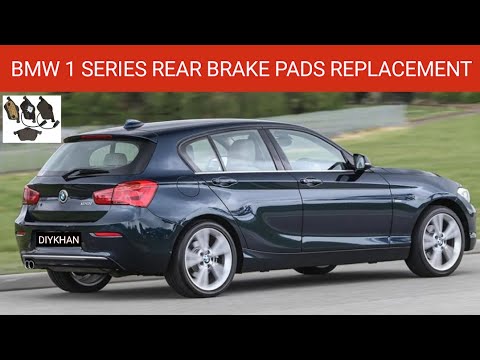
(2011-2019 /
F20, MK 2, F21)
The replacement of the rear brake pads of the BMW 1 Series is carried out by lifting the car with a jack or a bridge, so that the corresponding wheel…
Other guides you may be interested in
|
Changing the Key Remote Battery on a Ford Focus C-Max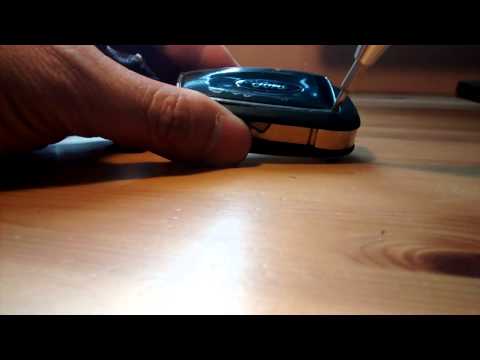
How do you change the battery of the key remote for a Ford Focus C-Max? Watch this detailed video to find out. Take your remote and use a screwdriver to pry between the key cover and the plastic cap. Pry until the two pieces separate from the cover, then use a screwdriver to extract the battery and replace it with a new one of the same size and voltage. Reassemble the cover by pressing on the key remote until you hear it click into place. Finally, insert the metal key into the remote. Check the correct operation of the remote. by ScegliAuto More videos
|
|
For advertising on this site Write to info@scegliauto.com
ScegliAuto is not responsible for any inaccuracy of the data in the lists. To report any inaccuracy or your business (if you own the business in question), please write to info@scegliauto.com
Number of seconds to generate the page: 0.055
(c) ScegliAuto 2026 - info@scegliauto.com - Privacy policy VAT number: IT01247470535 |
