
|
Do it yourself
| |||
| ||||


How to Reset the Service Light on a BMW 3 Series F31
Model: BMW Serie 3
F30, F31
- Years 2012-2019
If you have just performed the regular service on your BMW 3 Series F31 (2012-2019), but the warning light continues to illuminate on the instrument panel, you will need to manually reset the light. Let's find out how to do it. First, enter the cabin and reach the driver's seat, then turn on the ignition and press the button located in the lower left corner of the instrument panel, below the fuel gauge. As soon as the new menu appears on the display, release the button and press it multiple times until you see the vehicle maintenance icon. Finally, press the button one last time to confirm the reset.
Updated on 24 August 2026 by ScegliAuto
Video tutorial
Related tutorials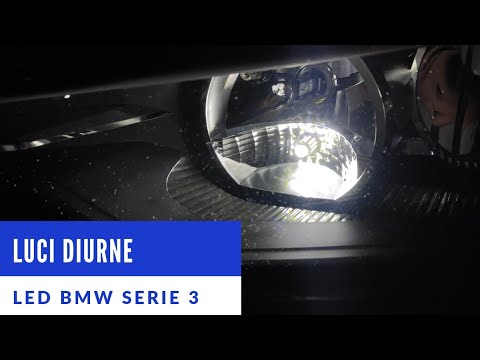
BMW Serie 3
(2012-2019 /
F30, F31)
In this video tutorial, you can see how to install LED bulbs in a BMW 3 Series F30-F31 by following some simple steps: First, purchase LED bulbs from…
BMW Serie 3
(2012-2019 /
F30, F31)
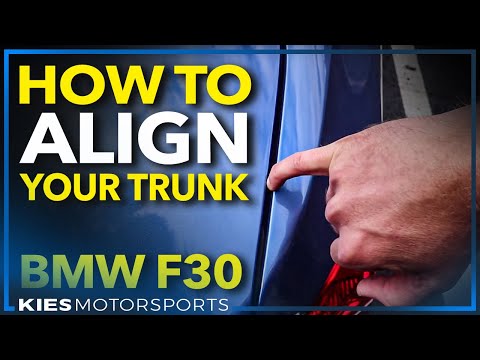
In today's tutorial video, you will learn how to remove the trunk lid panel on a BMW 3 Series F30 by following these simple steps. First, open the tr…
BMW Serie 3
(2012-2019 /
F30, F31)
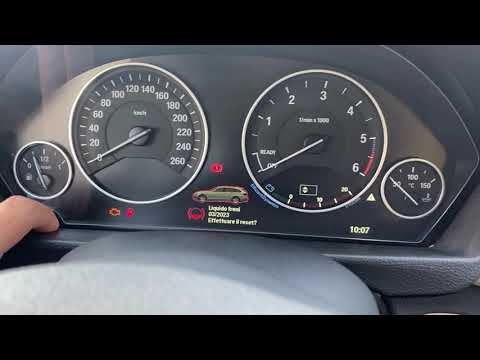
By following the steps outlined in this guide, you will successfully complete the manual reset of the oil light on your 2012-2019 BMW 3 Series F31. F…
Other guides you may be interested in
|
How to Bleed the Clutch on a Renault Clio?
To bleed the clutch on a Renault Clio, open the bonnet to access the components located in the engine bay: here, you will need to undo the screws that secure the battery in its housing, the intake manifold, and the coolant reservoir. This will allow you to locate the pipe through which the brake fluid flows: by inserting the other end of the pipe into a container, you can press the clutch pedal to expel all the fluid until it fills the container. by ScegliAuto More videos
|

|
For advertising on this site Write to info@scegliauto.com
ScegliAuto is not responsible for any inaccuracy of the data in the lists. To report any inaccuracy or your business (if you own the business in question), please write to info@scegliauto.com
Number of seconds to generate the page: 0.070
(c) ScegliAuto 2026 - info@scegliauto.com - Privacy policy VAT number: IT01247470535 |
