
|
Do it yourself
| |||
| ||||


How to reset the brake pads warning light in the BMW X2?
Model: BMW X2
MK 1, F39
- Years 2018-2023
In this tutorial we can see how to reset the brake pads warning light in the BMW X2, an extremely simple and fast operation, to be carried out only after completing the required scheduled maintenance work. First of all, let's go inside the passenger compartment, then turn on the instrument panel and hold down the button on the left of the dashboard. Once in the maintenance menu, scroll through the various available services, reach the one related to the brake pads and hold down the same button two more times. Finally, restart the vehicle.
Posted on 11 May 2024 by ScegliAuto
Video tutorial
Related tutorials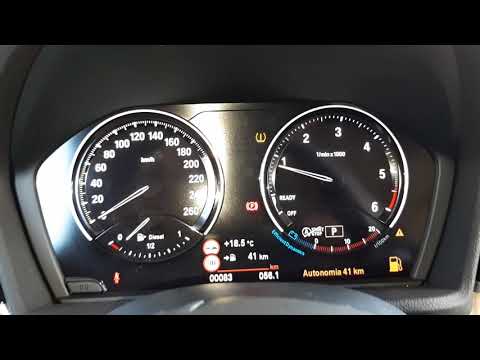
BMW X2
(2018-2023 /
MK 1, F39)
To reset the tyre pressure warning light on a BMW X2, first ensure that all tyres are at the correct inflation pressure. The recommended pressure is …
BMW X2
(2018-2023 /
MK 1, F39)
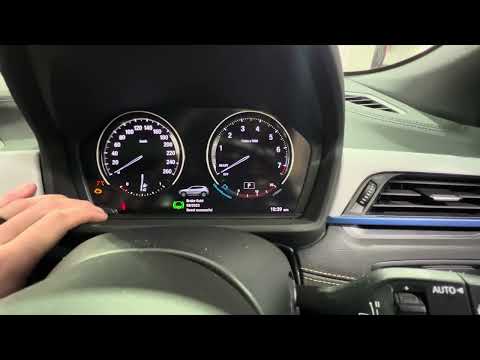
If the Service light on the instrument cluster of your BMW X2 F39 (2018-2023) is permanently lit despite having recently completed the vehicle's serv…
BMW X2
(2018-2023 /
MK 1, F39)
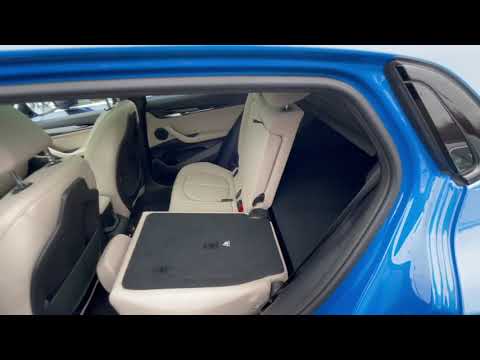
To begin, open the rear doors of your BMW X2. Next, pull towards you the three latches located at the lower corners of the rear seats to release the …
Other guides you may be interested in
|
How to Open a Stuck Boot on the Peugeot 407?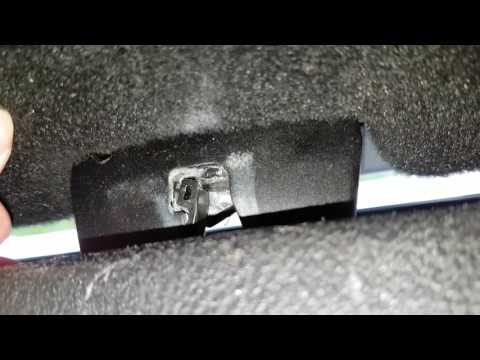
On the Peugeot 407, the boot may become stuck, possibly due to a problem with the control button or the lock actuator. In such cases, you can perform an emergency opening by following the simple procedure shown in this tutorial. First, open the rear doors, then lower the seat back by operating the release lever. Next, go inside the boot, locate the lock, and manually operate it using a flathead screwdriver. The boot will then be free to open. by ScegliAuto More videos
|

|
For advertising on this site Write to info@scegliauto.com
ScegliAuto is not responsible for any inaccuracy of the data in the lists. To report any inaccuracy or your business (if you own the business in question), please write to info@scegliauto.com
Number of seconds to generate the page: 0.097
(c) ScegliAuto 2026 - info@scegliauto.com - Privacy policy VAT number: IT01247470535 |
