
|
Do it yourself
| |||
| ||||


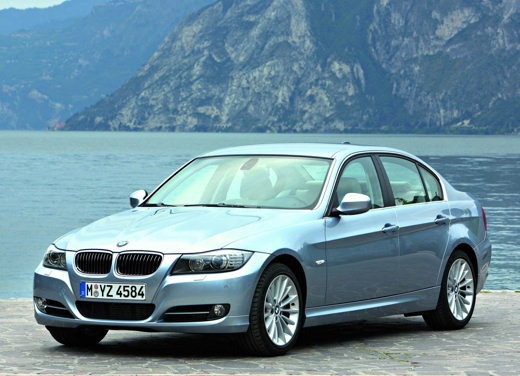
How to set the time and date on the BMW E91
Model: BMW Serie 3
E92, E90, E91
- Years 2005-2013
Setting the time and date of the BMW 3 Series model e91 is very simple to do independently. The first step is to insert the key into the ignition to turn on the car's display. The second step is to press the lever on the left lever to display the current date and time. Then press the BT button and set the date. The third step is to press the BT button again to set the time. After completing the steps, you can turn the ignition on and off to confirm the reset.
Posted on 26 June 2024 by ScegliAuto
Video tutorial
Related tutorials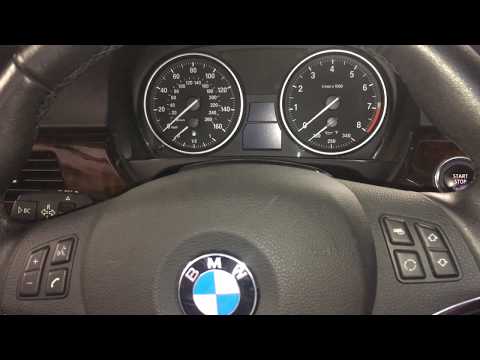
BMW Serie 3
(2005-2013 /
E92, E90, E91)
In this short and simple guide, we will see the instructions that will allow us to change the date and time of the BMW Serie 3, in simple steps. Firs…

BMW Serie 3
(2005-2013 /
E92, E90, E91)
In this tutorial we can see how to adjust the time in the BMW 3 Series, an extremely simple and quick operation, to be carried out for example after …
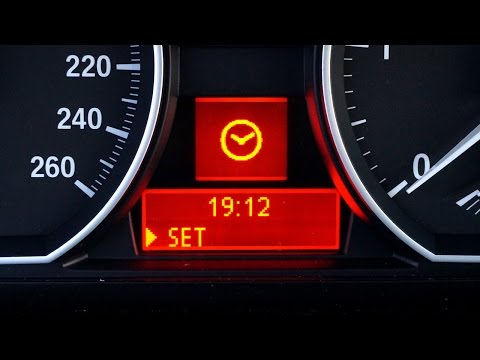
BMW Serie 3
(2005-2013 /
E92, E90, E91)
In this video tutorial we can see how to set the time in the BMW 3 Series E90, since the car does not have automatic synchronization. Starting from t…
Other guides you may be interested in
|
How to Replace the Diesel Filter on a Dacia Duster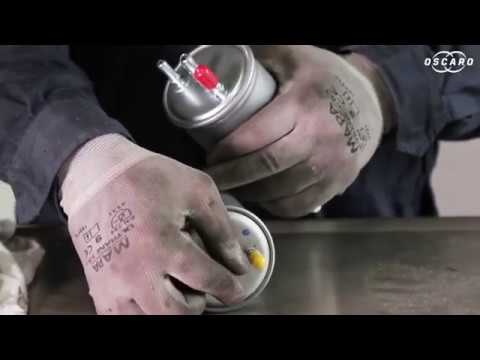
Let's see how to replace the diesel filter on a Dacia Duster. Start by removing the plastic cover at the bottom of the bumper with a suitable screwdriver (remove the circle), then reach the front headlamp located in the bumper (as shown in the video). After removing the container, take out the filter inside and fit a new one (same size). Refit the container and the plastic cover under the car's bumper with the attached clips. Test the proper functioning. Refit the front circle with the securing clips and lower the car. by ScegliAuto More videos
|
|
For advertising on this site Write to info@scegliauto.com
ScegliAuto is not responsible for any inaccuracy of the data in the lists. To report any inaccuracy or your business (if you own the business in question), please write to info@scegliauto.com
Number of seconds to generate the page: 0.120
(c) ScegliAuto 2026 - info@scegliauto.com - Privacy policy VAT number: IT01247470535 |
