
|
Do it yourself
| |||
| ||||


How to Remove the Glove Compartment of a Chevrolet Cruze
Model: Chevrolet Cruze
MK 1, J300
- Years 2009-2015
This video shows how to remove the glove compartment in the cabin of a Chevrolet Cruze. Open the glove compartment and detach the end stop brackets, then use a screwdriver to unscrew the retaining screws (if available). After completing the previous steps, detach the side plastic clips of the glove compartment and pull it out from the dashboard, disconnect any power cables, and remove the glove compartment from the dashboard. Refit all components of the glove compartment as you removed them (in reverse order).
Updated on 12 March 2026 by ScegliAuto
Video tutorial
Related tutorials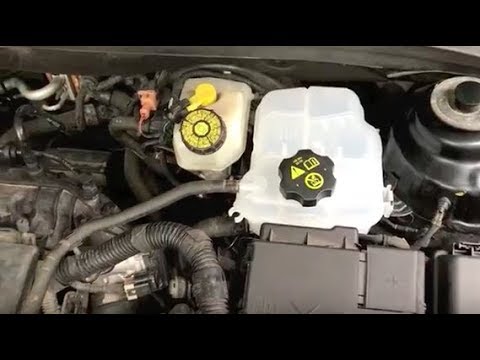
Chevrolet Cruze
(2009-2015 /
MK 1, J300)
Before starting, open the bonnet of your Chevrolet Cruze. Begin by disconnecting the positive terminal of the battery, allowing you to work safely. N…

Chevrolet Cruze
(2016-2023 /
D2lc-K, D2lc)
If the factory car radio inside your Chevrolet Cruze is broken and you want to replace it with a new one, then all you have to do is read the followi…
Chevrolet Cruze
(2009-2015 /
MK 1, J300)
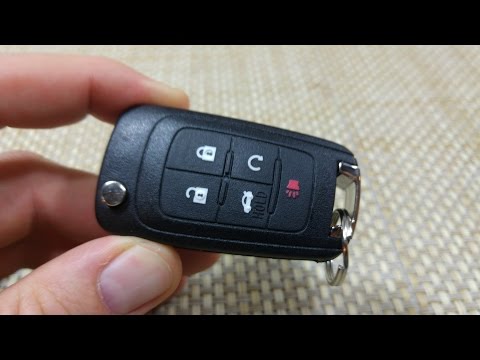
Is the battery of your Chevrolet Cruze key flat? Here’s how to open the key to change the battery. Open the metal key of the Cruze remote and, using …
Other guides you may be interested in
|
How to reset the tyre pressure warning light on the Dacia Sandero?
To reset the tyre pressure warning light on the Dacia Sandero, inflate all the tyres to the pressure indicated on the label on the driver's door. Once the tyres are inflated, turn on the ignition and navigate through the menu using the controls on the right side of the steering wheel. Scroll with the arrows to find the tyre pressure option: by holding down the OK button located on the right side of the steering wheel, you can reset the warning light. by ScegliAuto More videos
|

|
For advertising on this site Write to info@scegliauto.com
ScegliAuto is not responsible for any inaccuracy of the data in the lists. To report any inaccuracy or your business (if you own the business in question), please write to info@scegliauto.com
Number of seconds to generate the page: 0.169
(c) ScegliAuto 2026 - info@scegliauto.com - Privacy policy VAT number: IT01247470535 |
