
|
Do it yourself
| |||
| ||||


How to Reset the Oil Light of the Chevrolet Cruze
Model: Chevrolet Cruze
MK 1, J300
- Years 2009-2015
To correctly reset the engine oil light of your Chevrolet Cruze (2009-2015), simply follow a very straightforward procedure, almost identical to those already seen and used in numerous other car models. First, enter the cabin and turn on the instrument cluster. At this point, use the buttons located on the right side of the steering wheel to navigate through the onboard menu and find the "Remaining oil life" option. Finally, press and hold the OK button until the reset of the light is completed.
Updated on 24 July 2026 by ScegliAuto
Video tutorial
Related tutorials
Chevrolet Cruze
(2009-2015 /
MK 1, J300)
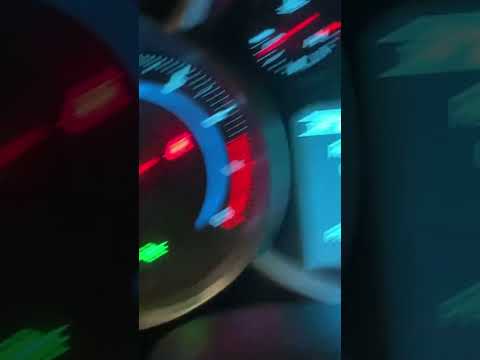
If you own a 2012 Chevrolet Cruze and want to manually reset the engine oil light, all you have to do is follow the procedure described in the follow…
Chevrolet Cruze
(2009-2015 /
MK 1, J300)
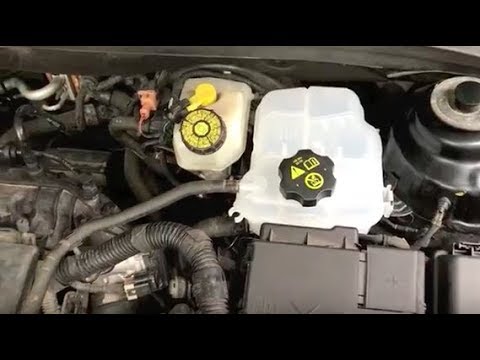
To manually reset the oil light on the dashboard of your Chevrolet Cruze, follow this procedure. It is a straightforward operation, and if you follow…
Chevrolet Cruze
(2009-2015 /
MK 1, J300)
Before starting, open the bonnet of your Chevrolet Cruze. Begin by disconnecting the positive terminal of the battery, allowing you to work safely. N…
Other guides you may be interested in
|
How to replace the horn on a Renault Duster - Dacia Duster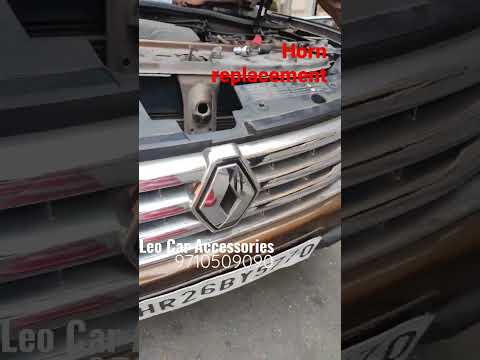
Today's main instructions will show you the procedure for removing and replacing the horn or sound signal on the Renault Duster, as well as the Dacia Duster. First, open the bonnet of the vehicle and start removing the front bumper by unscrewing all the fixing screws; you will find the horn right in front of the radiator, as shown in the video. At this point, disconnect the electrical connector and unscrew the bracket screw to remove and replace the horn with the new one; finally, reassemble the front bumper! by ScegliAuto More videos
|
|
For advertising on this site Write to info@scegliauto.com
ScegliAuto is not responsible for any inaccuracy of the data in the lists. To report any inaccuracy or your business (if you own the business in question), please write to info@scegliauto.com
Number of seconds to generate the page: 0.175
(c) ScegliAuto 2026 - info@scegliauto.com - Privacy policy VAT number: IT01247470535 |
