
|
Do it yourself
| |||
| ||||


Radiator Fan Removal Instructions
Model: Dodge Charger
LX
- Years:
2006, 2007, 2008, 2009, 2010, 2011
Video tutorial
The cooling fans are mounted on a support frame located just behind the radiator and secured with two upper side pins, while the lower part has plastic tabs inserted into specific slots. To remove the fan assembly, open the front bonnet, locate the two fixing pins, remove them, disconnect the power connector, and extract the complete fan frame by shifting any interfering hoses and tilting the frame to facilitate the operation.
Updated on 17 February 2026 by ScegliAuto
Related tutorials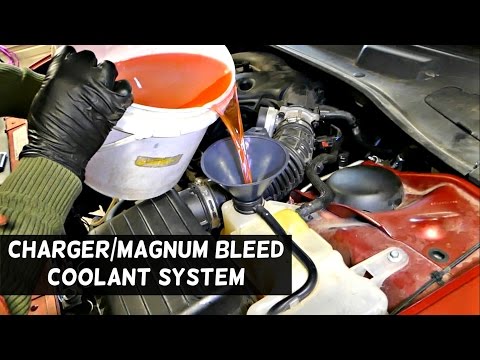
Dodge Charger
(2006-2011 /
LX)
With the arrival of winter and nighttime frosts, your car requires extra attention to ensure it maintains efficient performance throughout the year. …
Dodge Charger
(2006-2011 /
LX)
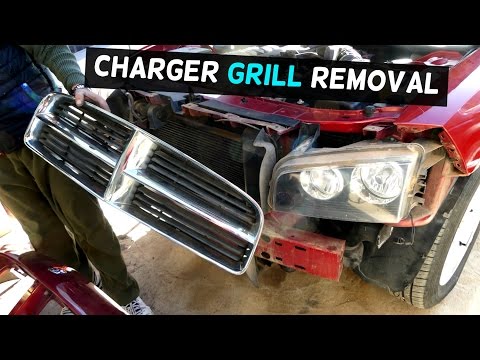
To comfortably remove the front bumper, it is recommended to lift the vehicle on suitable axle stands and remove the front wheels, as the plastic whe…
Dodge Charger
(2006-2011 /
LX)
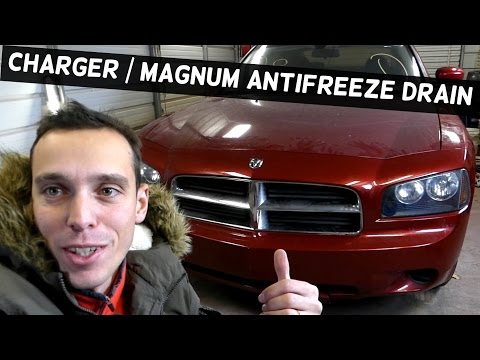
In this video, you will learn how to drain the coolant from your vehicle. First, take a container and slide it under your car, specifically under the…
Other guides you may be interested in
|
How to Set the Clock on a Renault Master 3
This guide shows you how to set a new time on a Renault Master 3. Start by turning on the instrument cluster of the vehicle without starting the engine. Next, using the end of the right-hand steering column stalk, scroll through the options on the display until you reach 'set time', then press the down arrow button to make the displayed time blink. Once this is done, press and hold the down arrow button to change the hour, which you can adjust using the two arrow buttons at the end of the stalk. Once the correct hour is set, press and hold the down arrow button again to move to the minutes. After setting the correct time, restart the vehicle. by ScegliAuto More videos
|
|
For advertising on this site Write to info@scegliauto.com
ScegliAuto is not responsible for any inaccuracy of the data in the lists. To report any inaccuracy or your business (if you own the business in question), please write to info@scegliauto.com
Number of seconds to generate the page: 0.051
(c) ScegliAuto 2026 - info@scegliauto.com - Privacy policy VAT number: IT01247470535 |
