
|
Do it yourself
| |||
| ||||


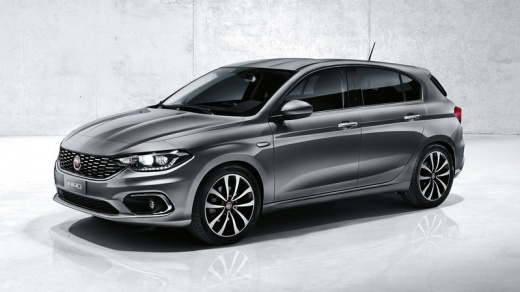
How to Remove the Original Radio from a Fiat Tipo
Model: Fiat Tipo
358, 356, 357
- Years:
2016, 2017, 2018, 2019, 2020, 2021, 2022, 2023, 2024, 2025, 2026
Video tutorial
How to remove the original radio from a Fiat Tipo. First, use a plastic lever to remove the trim around the radio, then, using the lever again, unscrew the securing screws located on the sides of the stereo until it detaches from the dashboard. Now, pull the radio out from the dashboard, disconnect the various power connectors located at the back, and the antenna reception cable. Extract the unit from its housing. To reassemble the various removed parts, proceed in reverse order.
Updated on 2 March 2026 by ScegliAuto
Related tutorials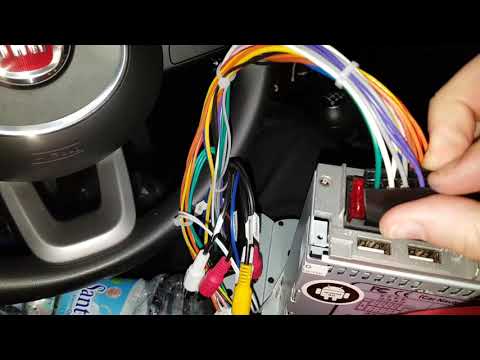
Fiat Tipo
(2016-2026 /
358, 356, 357)
.. Here’s how to remove the original radio from a Fiat Tipo: Use a plastic lever to remove the trim surrounding t.. …
Fiat Tipo
(2016-2026 /
358, 356, 357)
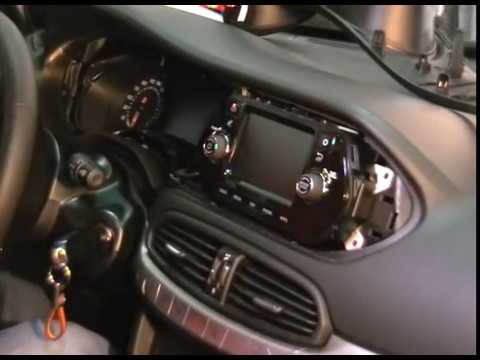
How to remove the original radio fitted in a Fiat Tipo? Carefully follow this video guide for the removal process. Remove the plastic trim surroundin…
Fiat Tipo
(2016-2026 /
358, 356, 357)
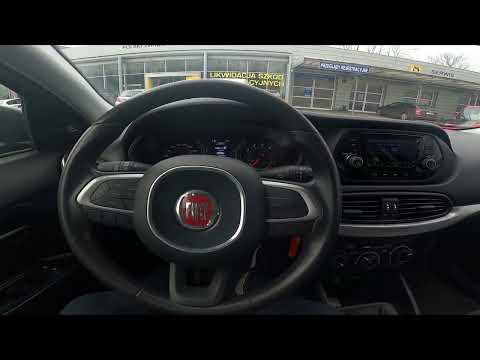
If you are experiencing serious operational issues with the radio in your Fiat Tipo Mk2, you must perform a factory reset to resolve any software err…
Other guides you may be interested in
|
Frequently Asked QuestionsHow to Remove the Toll Tag Holder from the Car Windscreen
The toll tag holder is usually attached to the car windscreen to ensure that the toll tag functions immediately when passing through barriers. However, if you decide to remove the holder, you should follow this procedure: - Insert the toll tag into the holder; - Pull the holder inwards to detach it from the windscreen; you can use a glass scraper or a stiff plastic card to assist you; After removing the holder, it is essential to remove the adhesive from the windscreen. To remove the adhesive, we recommend using a solvent-based spray that will remove the glue without clouding the area. by ScegliAuto More videos
|
|
For advertising on this site Write to info@scegliauto.com
ScegliAuto is not responsible for any inaccuracy of the data in the lists. To report any inaccuracy or your business (if you own the business in question), please write to info@scegliauto.com
Number of seconds to generate the page: 0.018
(c) ScegliAuto 2026 - info@scegliauto.com - Privacy policy VAT number: IT01247470535 |
