
|
Do it yourself
| |||
| ||||


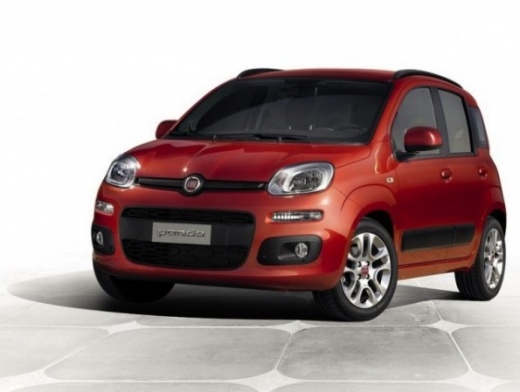
Let's see how to change the front brake pads on the Fiat Panda III.
Model: Fiat Panda
319, MK 3
- Years:
2012, 2013, 2014, 2015, 2016, 2017, 2018, 2019, 2020, 2021, 2022, 2023
Video tutorial
To replace the front brake pads of the Fiat Panda III, we start by opening the brake fluid cap, loosening the wheel bolts, and then lifting the vehicle. We remove the wheel and turn the brake disc outward. We insert a flathead screwdriver between the old pad and the caliper; we leverage it to push back the piston, creating space for the new pads. We remove the support spring, take off the caps from the caliper bolts, unscrew the two Allen bolts of the caliper, and remove the caliper without pulling on the hose. We take out the old pads with a screwdriver, clean the bracket with a wire brush, apply copper grease only on the edges of the new pads, mount the pads on the piston side, and reattach the caliper by hand-tightening the bolts, then tightening them with a torque wrench. We put the caliper caps back on, reattach the support spring, and repeat everything on the other side. We reassemble the wheels, lower the car, and screw the brake reservoir cap back on.
Posted on 23 December 2025 by ScegliAuto
Related tutorials
Fiat Panda
(2003-2012 /
169, MK 2)
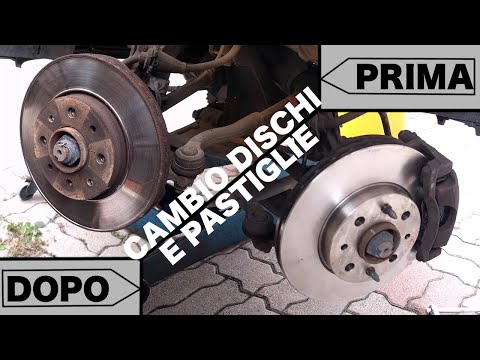
This video shows the steps to remove and replace the front brake pads on a Fiat Panda 169, second series. First, remove the front wheel by lifting th…
Fiat Panda
(2003-2012 /
169, MK 2)
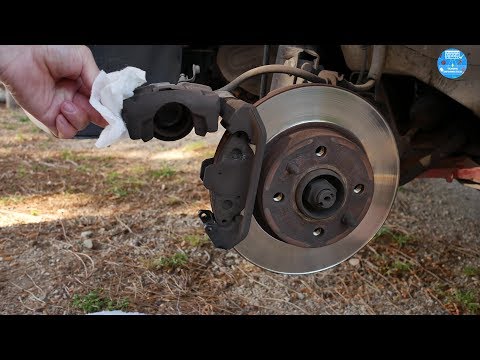
How do you replace the front brake pads on a Fiat Panda? Position the car on a column lift or use a jack, raising it to a comfortable height for work…
Fiat Panda
(2003-2012 /
169, MK 2)
Learn how to replace the front brake pads on a Fiat Panda. Lift the car on a column lift (jack) to the desired height, then remove the wheel (with a …
Other guides you may be interested in
|
Frequently Asked QuestionsHow to Reset the AdBlue Warning Light on a Peugeot Boxer
To reset the AdBlue system on a 2018 Peugeot Boxer, follow these steps: Start the engine and ensure the vehicle is parked in a well-ventilated area. Locate the "MENU" button on the dashboard or steering wheel controls. Press and hold the "MENU" button until the menu options appear on the display. Use the arrow buttons or scroll wheel to access the "Vehicle Settings" or "Settings" menu. Select the "AdBlue" or "AdBlue System" option. Look for the "Recharge" or "Reset" option in the AdBlue menu. Once you find the reset option, select it and confirm your choice when prompted. The system will be reset, and a confirmation message may appear on the display. Turn off the engine and wait a few seconds. Restart the engine and check that the AdBlue system has been reset. by ScegliAuto More videos
|
|
For advertising on this site Write to info@scegliauto.com
ScegliAuto is not responsible for any inaccuracy of the data in the lists. To report any inaccuracy or your business (if you own the business in question), please write to info@scegliauto.com
Number of seconds to generate the page: 0.059
(c) ScegliAuto 2026 - info@scegliauto.com - Privacy policy VAT number: IT01247470535 |
