
|
Do it yourself
| |||
| ||||


How to reset the oil warning light on the Fiat Freemont
Model: Fiat Freemont
MK 1
- Years 2011-2016
The oil sensor allows to detect automatically and in real time the quantity of oil present in the tank. This is a very important function that allows you to intervene in a timely manner so as not to have repercussions on the health of the engine. However, many times it may present errors (highlighted by the appearance of the relative light on the display) and it is necessary to reset the sensor. To do this, start the car and press the accelerator pedal three times. At this point, a menu will appear on the on-board computer display that will notify you of the reset that has just been carried out. This operation is easily repeatable.
Posted on 15 July 2022 by ScegliAuto
Video tutorial
Related tutorials
Fiat Freemont
(2011-2016 /
MK 1)
In this guide, we will see the instructions that will allow us to reset the oil change maintenance warning (service) of the Fiat Freemont. First of a…
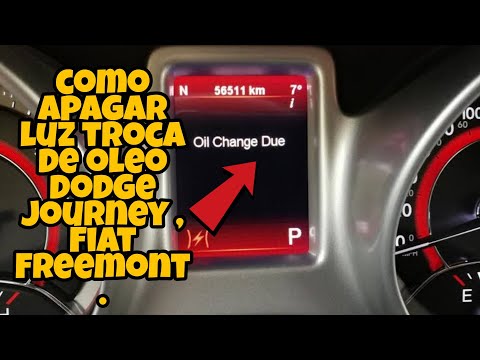
Fiat Freemont
(2011-2016 /
MK 1)
If you have just changed the engine oil in your Fiat Freemont, you must also carry out the manual reset in order to definitively eliminate the relati…
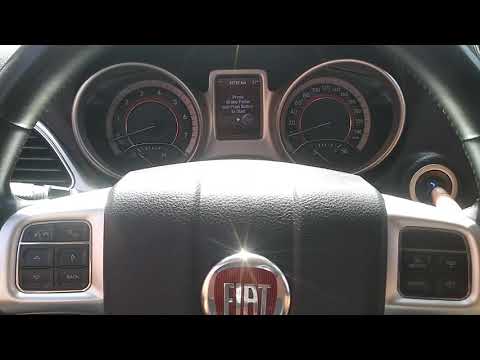
Fiat Freemont
(2011-2016 /
MK 1)
Every time we go to replace the engine oil and filter on this car model, we have to reset the warning light that has come on the dashboard. Below is …
Other guides you may be interested in
|
How to Open the Door of a Golf 7 with a Flat Key Battery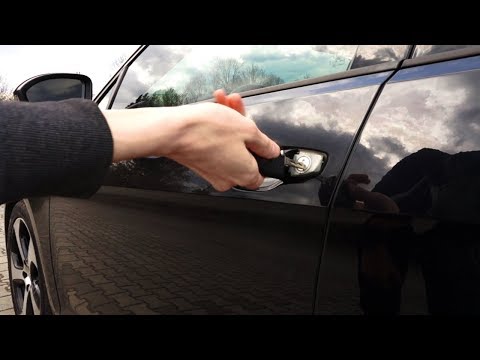
Is the remote key battery of the Golf flat and you don’t know how to open the car? Here’s what to do. Take your remote and press the button to release the metal key. Once extracted, use the key to pry into the space of the handle until the piece detaches. Insert the key into the lock and open the car door. To close the lock: take the cap and press down on the handle until you hear the locking click. Open the remote key and replace the battery. by ScegliAuto More videos
|

|
For advertising on this site Write to info@scegliauto.com
ScegliAuto is not responsible for any inaccuracy of the data in the lists. To report any inaccuracy or your business (if you own the business in question), please write to info@scegliauto.com
Number of seconds to generate the page: 0.065
(c) ScegliAuto 2026 - info@scegliauto.com - Privacy policy VAT number: IT01247470535 |
