
|
Do it yourself
| |||
| ||||


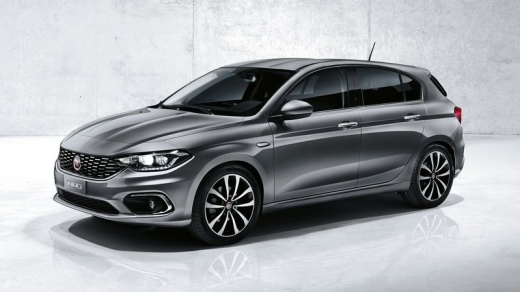
How to update the Uconnect system?
Model: Fiat Tipo
358, 356, 357
- Years:
2016, 2017, 2018, 2019, 2020, 2021, 2022, 2023, 2024, 2025, 2026
Video tutorial
Once you have obtained the software, extract the folder and copy all files to a USB stick of at least 8GB formatted in FAT32. The key must be in the "RUN" position; it is not necessary for the engine to be running, but it is advisable to perform the update with the engine on to avoid stressing the battery. It is recommended to remove all Bluetooth devices paired with the Uconnect BEFORE starting the update; otherwise, you will have to do this at the end, or you may encounter problems updating the contacts. At this point, insert the USB stick and wait for the confirmation screen to appear on the display to begin the update. During the update process, the Uconnect will restart several times. The estimated time is 30 minutes, but this is not reliable. Do not remove the USB stick until you see the confirmation screen indicating that the update has been completed.
Updated on 4 June 2026 by ScegliAuto
Related tutorials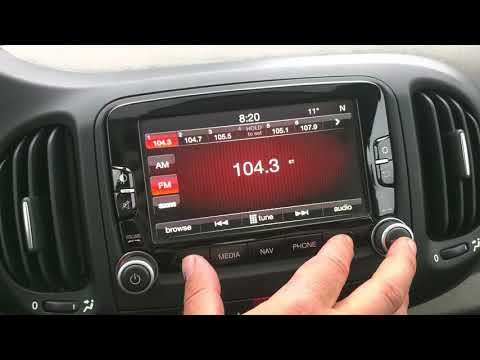
Fiat Tipo
(2016-2026 /
358, 356, 357)
If you need to reset the uConnect system in the Fiat Tipo to factory settings, you can see how to do it in the attached video guide, applicable to al…

Fiat Tipo
(2016-2026 /
358, 356, 357)
Today, this guide will show you the steps to update the firmware of the multimedia system on the Fiat Tipo. First, get in the vehicle and turn on the…
Fiat Tipo
(2016-2026 /
358, 356, 357)
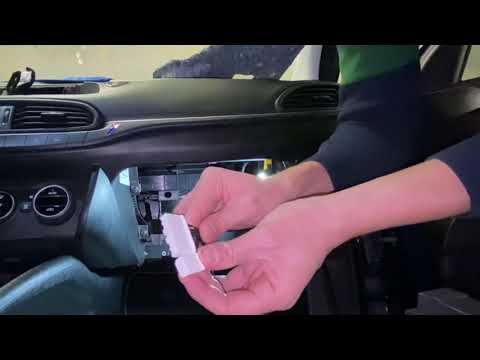
In this guide, discover how to dismantle and replace the Uconnect multimedia system with the Android radio on the Fiat Tipo 356, in simple steps. Fir…
Other guides you may be interested in
|
How to Remove the Toll Tag Holder from the Car Windscreen
The toll tag holder is usually attached to the car windscreen to ensure that the toll tag functions immediately when passing through barriers. However, if you decide to remove the holder, you should follow this procedure: - Insert the toll tag into the holder; - Pull the holder inwards to detach it from the windscreen; you can use a glass scraper or a stiff plastic card to assist you; After removing the holder, it is essential to remove the adhesive from the windscreen. To remove the adhesive, we recommend using a solvent-based spray that will remove the glue without clouding the area. by ScegliAuto More videos
|
For advertising on this site Write to info@scegliauto.com
ScegliAuto is not responsible for any inaccuracy of the data in the lists. To report any inaccuracy or your business (if you own the business in question), please write to info@scegliauto.com
Number of seconds to generate the page: 0.129
(c) ScegliAuto 2026 - info@scegliauto.com - Privacy policy VAT number: IT01247470535 |
