
|
Do it yourself
| |||
| ||||


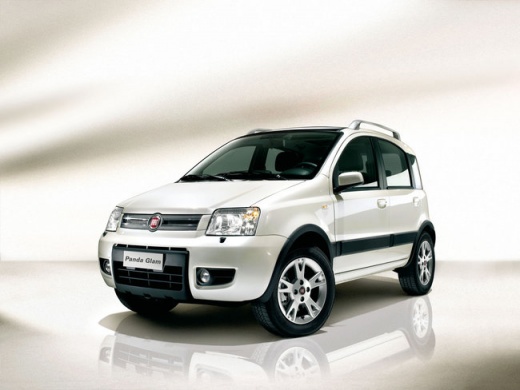
How to remove the central button panel of the Fiat Panda
Model: Fiat Panda
169, MK 2
- Years 2003-2012
With a small spatula, pivot on one of the two sides of the push-button panel. You can now remove it from its seat. Remove the connectors by lowering the red side lever. Now we have the button pad in hand. We can then proceed to disassemble the push-button panel. The motherboard cannot be fixed, so if this is the problem then the entire unit will need to be replaced. If, on the other hand, there are keys to be replaced, you can proceed with them. Once the operation has been completed, we can proceed with reassembling the push-button panel in its seat, being careful to reconnect the connector.
Posted on 29 September 2022 by ScegliAuto
Video tutorial
Related tutorials
Fiat Panda
(2012-2023 /
)
To adjust the clock of the Fiat Panda, you need to turn on the instrument panel by inserting the ignition key into the corresponding slot. Once it is…

Fiat Panda
(2012-2023 /
)
In order to adjust the clock that appears on the instrument panel of the Fiat Panda, you will need to turn it on by inserting the ignition key into t…

Fiat Panda
(2012-2024 /
MK 3, 319)
Let's see the instructions on how to change the time on the display of the Fiat Panda's instrument panel. First, we get on board the car and start up…
Other guides you may be interested in
|
How to Replace the Key Battery on a Dacia Sandero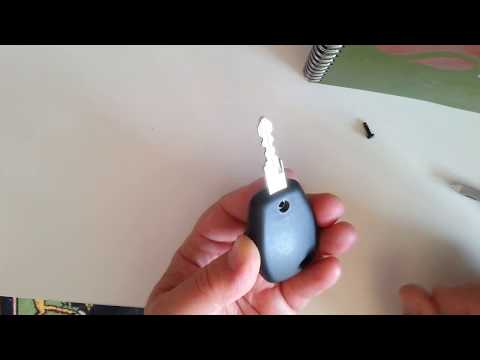
How do you replace the key battery on a Dacia Sandero? Let's see in this video how to perform the replacement correctly. Take your ignition key and unscrew the tiny screw on it. Use a screwdriver to pry between the two plastic parts until they separate; remove the dead battery with a screwdriver and take a new one of the same size and voltage. Reassemble the two parts of the key fob cover until you hear the click of the lock (tighten with the screw). Check the proper functioning of the key fob by testing the buttons for locking and unlocking the doors. by ScegliAuto More videos
|
|
For advertising on this site Write to info@scegliauto.com
ScegliAuto is not responsible for any inaccuracy of the data in the lists. To report any inaccuracy or your business (if you own the business in question), please write to info@scegliauto.com
Number of seconds to generate the page: 0.108
(c) ScegliAuto 2026 - info@scegliauto.com - Privacy policy VAT number: IT01247470535 |
