
|
Do it yourself
| |||
| ||||


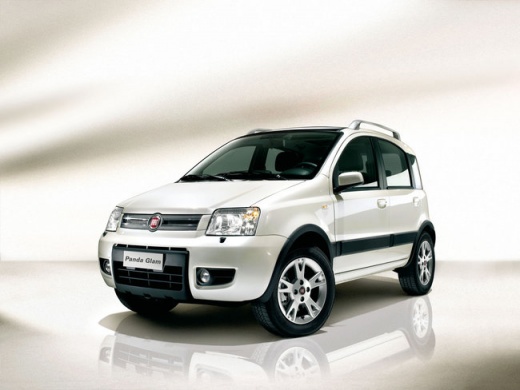
How to Reset the Service Message on the Fiat Panda 1.2 Petrol
Model: Fiat Panda
169, MK 2
- Years 2003-2012
To reset the error messages on the Panda, first switch off the ignition. Once the ignition is off, move to the passenger side and slide the passenger seat back as far as possible to reach the button located underneath it. Once you find the button, which is circular with a metal ring around it, press it for one or two seconds. Finally, return to the driver's side and turn on the ignition without starting the engine. If everything has gone as expected, the error message will no longer be present on the Panda's display, and you can start the engine without any issues.
Updated on 25 June 2026 by ScegliAuto
Video tutorial
Related tutorials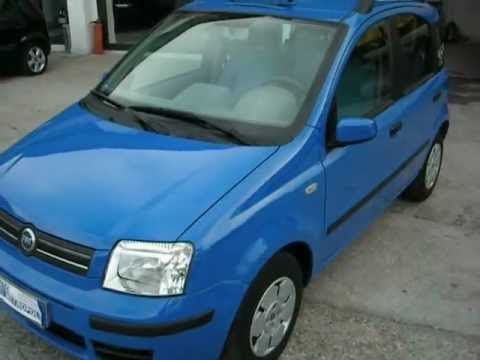
Fiat Panda
(2003-2012 /
169, MK 2)
In this tutorial video, you will learn how to disassemble and replace the fuel pump on a Fiat Panda 1.2 Petrol. First, remove the rear seat bench by …
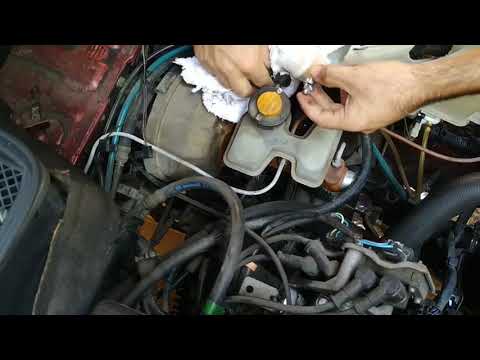
Fiat Panda
(1980-2003 /
141, MK 1)
Before you can start, open the bonnet of your Fiat Panda. Begin by unscrewing and removing the bolt that tightens the clamp securing the fuel filter.…
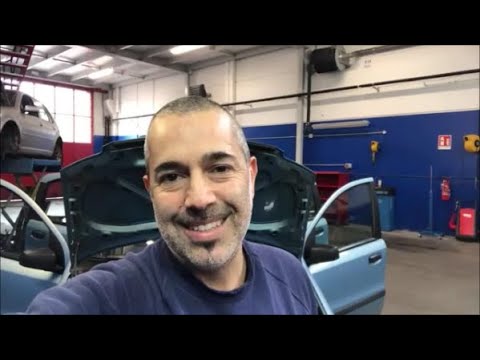
Fiat Panda
(2003-2012 /
169, MK 2)
In this video guide, you will learn how to disassemble and replace the fuel float pump on a Fiat Panda 169. First, remove the bolts from the rear sea…
Other guides you may be interested in
|
Frequently Asked QuestionsHow to Open the Bonnet on the Lancia Y
To open the bonnet on this vehicle, follow these simple instructions: first, open the driver's door and locate the lever positioned just below the dashboard, marked with an image of the vehicle with the bonnet open. Pull this lever towards you until you hear a "click" indicating the bonnet is released. Next, exit the cabin and stand in front of the bonnet to disengage the safety catch and complete the opening. To do this, slightly lift the bonnet, locate the yellow lever underneath, and pull it to the left to fully release and open the bonnet. by ScegliAuto More videos
|
|
For advertising on this site Write to info@scegliauto.com
ScegliAuto is not responsible for any inaccuracy of the data in the lists. To report any inaccuracy or your business (if you own the business in question), please write to info@scegliauto.com
Number of seconds to generate the page: 0.251
(c) ScegliAuto 2026 - info@scegliauto.com - Privacy policy VAT number: IT01247470535 |
