
|
Do it yourself
| |||
| ||||


How to Replace the Rear Lights on a Fiat Punto
Model: Fiat Punto
MK 2, 188
- Years:
1999, 2000, 2001, 2002, 2003, 2004, 2005, 2006, 2007, 2008, 2009, 2010
Video tutorial
The tools are the same as those found in the spare wheel compartment, specifically the screwdriver and the plastic insert. There are two bolts to remove, one located under the lower inner edge of the boot lid and one behind the rear window, both covered by small caps. Remove the bolts and you can directly extract the light unit along its entire length. Be careful to disconnect the connectors at the back. Now that you have removed the light unit, you can unscrew the rear cover to replace the damaged parts. Simply follow the steps in reverse for reassembly.
Updated on 23 February 2026 by ScegliAuto
Related tutorials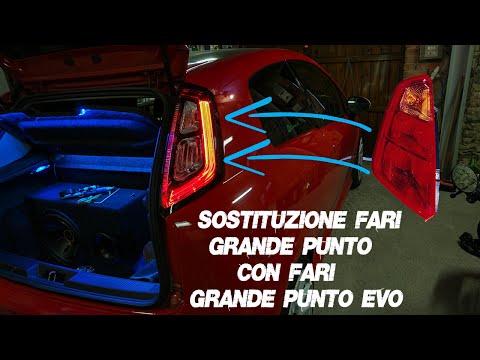
Fiat Punto
(2005-2018 /
199, MK 3, Grandepunto , Punto EVO)
In today's video, you will learn how to remove and replace the rear lights on a Fiat Grande Punto and Punto Evo by following these simple steps. Firs…
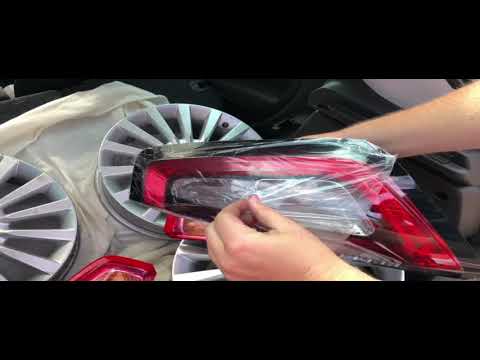
Fiat Punto
(2005-2018 /
199, MK 3, Grandepunto , Punto EVO)
In this video, you will learn how to replace the halogen rear lights on the Fiat Punto/Grande Punto with original Fiat LED position light units. You …
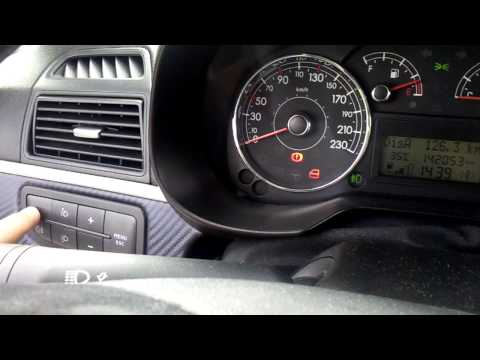
Fiat Punto
(2005-2018 /
199, MK 3, Grandepunto , Punto EVO)
In this brief and simple guide, follow the steps to activate and deactivate the fog lights, both front and rear, of the Fiat Grande Punto, as well as…
Other guides you may be interested in
|
How to reset the tyre pressure warning light on the Kia Niro EV?
To reset the tyre pressure warning light on the Kia Niro EV, inflate the tyres until they reach the correct pressure value. This value is indicated on the sticker attached to the driver's door pillar. Once the tyres are inflated, turn on the instrument cluster to check that the warning light has completely disappeared from the display. If it is still present, you may need to drive for a few miles to ensure it disappears completely from the screen. by ScegliAuto More videos
|
|
For advertising on this site Write to info@scegliauto.com
ScegliAuto is not responsible for any inaccuracy of the data in the lists. To report any inaccuracy or your business (if you own the business in question), please write to info@scegliauto.com
Number of seconds to generate the page: 0.025
(c) ScegliAuto 2026 - info@scegliauto.com - Privacy policy VAT number: IT01247470535 |
