
|
Do it yourself
| |||
| ||||


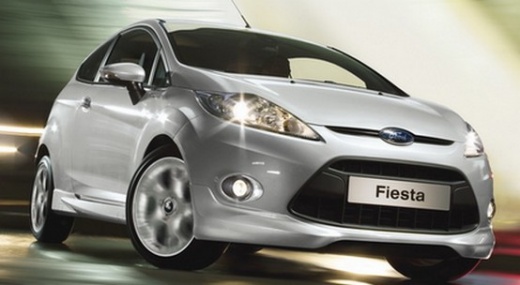
Installation of the Navigation Accessory Kit
Model: Ford Fiesta
Fiesta 6, MK VI, MK 6
- Years:
2008, 2009, 2010, 2011, 2012, 2013, 2014, 2015, 2016, 2017
Video tutorial
The tool required for this series of operations is a specific plastic tool available at spare parts shops. In its absence, a sturdy piece of plastic with rounded edges can be used to avoid leaving marks. Remove the gear cover and the corresponding plastic panel by prying at the edges with the tool. Unclip the wiring of the switches and pull it from the gear lever. Carefully remove the console frame by prying on all sides and then also remove the complete dashboard with air vents, gently extracting it from its housing. Remove the screws at the sides of the radio to pull it out of the dashboard, disconnect all wiring at the back until it is completely removed. Connect the audio cable of the navigator to the AUX input of the radio and connect the power supplies as per the diagram included with the navigator kit. Reassemble the new console equipped with radio and navigator and perform a functionality test.
Updated on 3 February 2026 by ScegliAuto
Related tutorials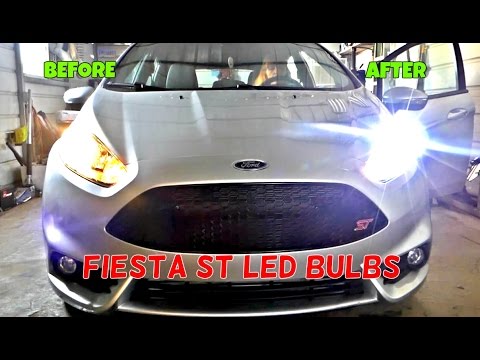
Ford Fiesta
(2008-2017 /
Fiesta 6, MK VI, MK 6)
If you decide to replace the original headlamp bulbs, consider using LED bulbs instead of xenon kits. For this car model, you need to remove the head…
Ford Fiesta
(2008-2017 /
Fiesta 6, MK VI, MK 6)
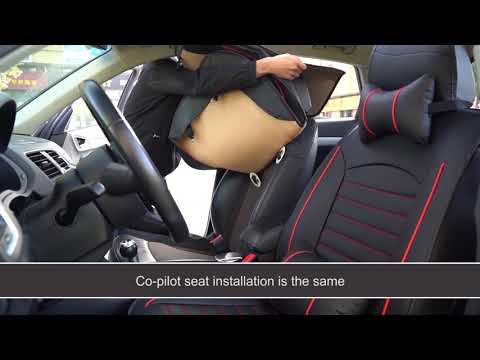
In this video, learn how to easily install a complete set of stylish seat covers on your Ford Fiesta MKVI. You can purchase the model shown in the vi…
Ford Fiesta
(2017-2023 /
MK 7, MK VII, Fiesta 7)
In today's video, you will see how the inflate and repair kit works in the Ford Fiesta; this also applies to other models from the American manufactu…
Other guides you may be interested in
|
How to Reset the Tyre Pressure Warning Light on the Jeep Renegade?
To reset the tyre pressure warning light on the Jeep Renegade, inflate the tyres until they reach the recommended pressure: this value is indicated on the sticker attached to the driver’s door pillar. Once the tyres are properly inflated, navigate through the menu that appears on the instrument cluster until you find the tyre pressure option. At this point, press and hold the OK button on the right side of the steering wheel to make the warning light disappear. by ScegliAuto More videos
|
|
For advertising on this site Write to info@scegliauto.com
ScegliAuto is not responsible for any inaccuracy of the data in the lists. To report any inaccuracy or your business (if you own the business in question), please write to info@scegliauto.com
Number of seconds to generate the page: 0.035
(c) ScegliAuto 2026 - info@scegliauto.com - Privacy policy VAT number: IT01247470535 |
