
|
Do it yourself
| |||
| ||||


Replacing the Gear Cable on a Ford Focus
Model: Ford Focus
MK 1
- Years 1998-2004
Is the gear cable on your Ford Focus damaged? Here’s how to replace it. Lift the bonnet and secure it, then use a socket spanner to remove the locking pins of the clutch cable. Start by removing the securing pins on either side of the clutch cable. Once the pins are unscrewed from their housing, remove them. Pull the clutch cable through to the inside of the car under the central tunnel where the gearbox is located. Once the cable is removed, you can install the new one from the engine bay into the vehicle. Screw the securing pins back in place. Adjust the tension accordingly. Test the gear operation.
Updated on 16 March 2026 by ScegliAuto
Video tutorial
Related tutorials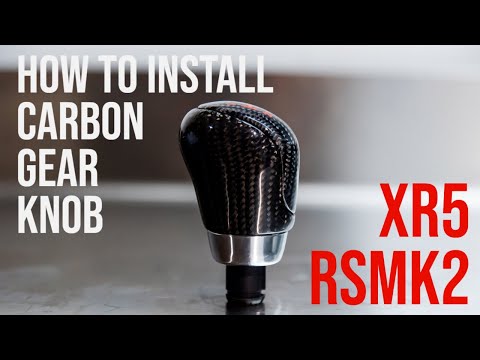
Ford Focus
(2004-2011 /
MK 2, Focus 2)
Today we will see the steps to remove and replace the gear knob of the Ford Focus, following the instructions below. First, get inside the vehicle an…

Ford Focus
(2004-2011 /
MK 2, Focus 2)
The gear shift knob of the Ford Focus can deteriorate over time to the point where it needs to be replaced, taking the opportunity to install one wit…

Ford Focus
(2004-2011 /
MK 2, Focus 2)
In this brief video tutorial, learn how to replace the gear knob on a Ford Focus mk2 with a manual gearbox, produced from 2004 to 2011. The operation…
Other guides you may be interested in
|
How to Open the Bonnet on the Lancia Y
To open the bonnet on this vehicle, follow these simple instructions: first, open the driver's door and locate the lever positioned just below the dashboard, marked with an image of the vehicle with the bonnet open. Pull this lever towards you until you hear a "click" indicating the bonnet is released. Next, exit the cabin and stand in front of the bonnet to disengage the safety catch and complete the opening. To do this, slightly lift the bonnet, locate the yellow lever underneath, and pull it to the left to fully release and open the bonnet. by ScegliAuto More videos
|
|
For advertising on this site Write to info@scegliauto.com
ScegliAuto is not responsible for any inaccuracy of the data in the lists. To report any inaccuracy or your business (if you own the business in question), please write to info@scegliauto.com
Number of seconds to generate the page: 0.319
(c) ScegliAuto 2026 - info@scegliauto.com - Privacy policy VAT number: IT01247470535 |
