
|
Do it yourself
| |||
| ||||


How to Remove the Centre Console Panel and Accessory Covers
Model: Ford Fiesta
Fiesta 6, MK 6, MK VI
- Years 2008-2017
The following video shows the procedure to completely remove the centre console of a Ford Fiesta. Using a plastic lever, open the panel located under the console (at the height of the ignition lock) and, with a screwdriver, detach it from the two small hinges that hold it in place. Using the lever, gently detach the monitor. You will now have access to the four screws that secure the dashboard: unscrew them and lift the dashboard from the bottom to remove it. Disconnect its electrical connection. Once removed, separate the dashboard from its cover by unscrewing the screws that hold them together. Also unscrew and remove the two air vents and the clips at the bottom. Now the cover is completely free. Next, move to the gear lever: using the plastic lever, lift the trim at its base, then lift and remove the lower part of the dashboard. Using the same technique, lift and remove the cover of the air controls, the armrest covers (remember to retrieve the clips), and the side air vents.
Updated on 5 February 2026 by ScegliAuto
This video is currently unavailable
Related tutorials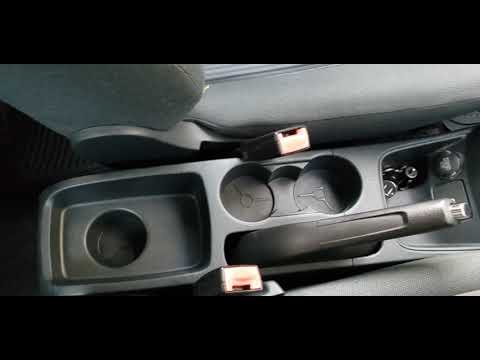
Ford Fiesta
(2008-2017 /
Fiesta 6, MK 6, MK VI)
Today's guide will show you the instructions to remove and replace the centre console on a Ford Fiesta by following these simple steps. First, get in…
Ford Fiesta
(2008-2017 /
Fiesta 6, MK 6, MK VI)
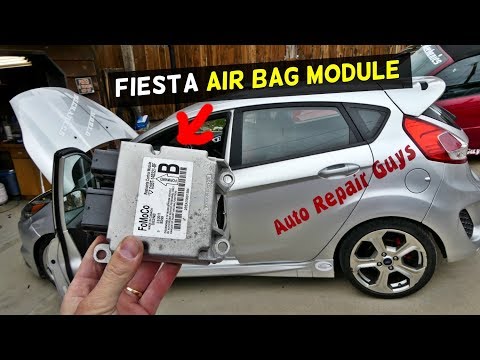
How to remove the airbag control unit from a Ford Fiesta? This operation is not straightforward; you need to remove the plastics from the centre cons…
Ford Fiesta
(2017-2023 /
MK 7, MK VII, Fiesta 7)
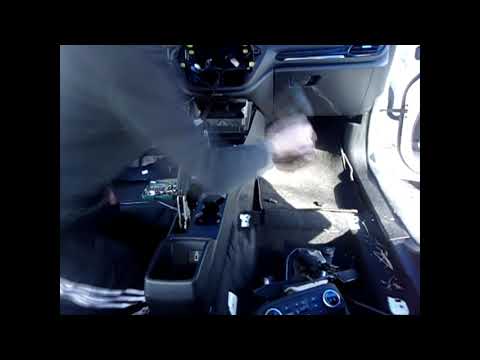
In this video, you will see how to remove the centre console of a Ford Fiesta MK8: start by unscrewing the screws at the top of the dashboard and rem…
Other guides you may be interested in
|
How to Reset the Central Locking of the Volkswagen Golf 4?
If the central locking system of the Volkswagen Golf 4 is not working, it is likely necessary to reset the system: to do this, open the driver's door and detach the side panel of the dashboard next to the steering wheel. Under this panel, you will find the fuses, including the one for the central locking, which is indicated in the manual as number 14. To reset the system, remove this fuse from its housing, then reinsert it or replace it with a new one of the same amperage: this will reset the central locking system. by ScegliAuto More videos
|
|
For advertising on this site Write to info@scegliauto.com
ScegliAuto is not responsible for any inaccuracy of the data in the lists. To report any inaccuracy or your business (if you own the business in question), please write to info@scegliauto.com
Number of seconds to generate the page: 0.063
(c) ScegliAuto 2026 - info@scegliauto.com - Privacy policy VAT number: IT01247470535 |
