
|
Do it yourself
| |||
| ||||


Instructions for Replacing the Engine Mount
Model: Ford Focus
MK 1
- Years:
1998, 1999, 2000, 2001, 2002, 2003, 2004
Video tutorial
The mount in question connects the engine to the vehicle's chassis (located at the rear of the engine) and contains silent blocks: when damaged, it causes noise while driving over uneven surfaces, especially during acceleration and braking. To replace it, support the engine with a jack and proceed to remove the mounting bolts securing the mount to both the engine and the vehicle chassis; once the bolts are removed, you can extract the old mount (which will likely have a torn rubber part) and replace it with a new one. To preserve the condition of the rubber, it is recommended to coat it with silicone grease.
Updated on 6 February 2026 by ScegliAuto
Related tutorials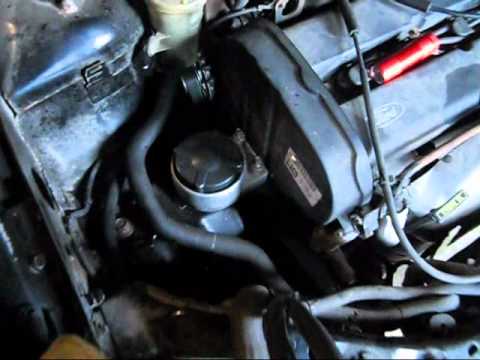
Ford Focus
(1998-2004 /
MK 1)
The engine mount is located on the left side (when facing the front), just below the coolant reservoir, next to the timing belt cover. Unscrew the fi…

Ford Focus
(1998-2004 /
MK 1)
The car radio antenna mount is fixed to the roof via a pin accessed by removing the interior light fitting. Start by unscrewing the antenna from its …
Ford Focus
(2004-2011 /
MK 2, Focus 2)
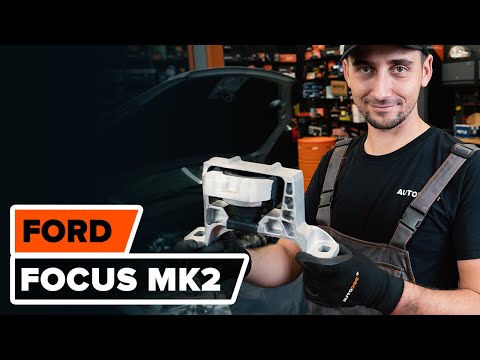
Today, you will learn how to replace the engine mount on a Ford Focus, a maintenance task that is not difficult at all. Open the bonnet and place the…
Other guides you may be interested in
|
How to Open the Fuel Filler Flap in the Hyundai i30?
In this tutorial, you will learn how to open the fuel filler flap in the Hyundai i30, a very simple operation that follows the typical procedure of most vehicles. First, unlock the locks using the designated button on the remote, then open the driver's door, locate the release lever on the left side of the seat, and operate it. Next, move to the fuel filler flap, open it completely, unscrew the cap, and refuel as needed. To close the flap, simply press it gently. by ScegliAuto More videos
|
|
For advertising on this site Write to info@scegliauto.com
ScegliAuto is not responsible for any inaccuracy of the data in the lists. To report any inaccuracy or your business (if you own the business in question), please write to info@scegliauto.com
Number of seconds to generate the page: 0.025
(c) ScegliAuto 2026 - info@scegliauto.com - Privacy policy VAT number: IT01247470535 |
