
|
Do it yourself
| |||
| ||||


How to Install the 'Explorer' Badge on the Bonnet of a Ford Explorer
Model: Ford Explorer
U625, MK 6
- Years 2020-2026
If you want to personalise your car, obtain a set of adhesive letters suitable for the model. This is a simple procedure that does not require advanced mechanical skills. Take some masking tape to use as a support and apply a strip along the bottom of the bonnet, then place another piece to mark the centre of the car. In the case shown in the video, with a total of 8 letters to apply, space each letter evenly from the centre using a tape measure, while keeping the protective backing on the adhesive film. You can then remove the backing and apply each letter individually. Finally, remove the tape used at the beginning.
Updated on 4 May 2026 by ScegliAuto
Video tutorial
Related tutorials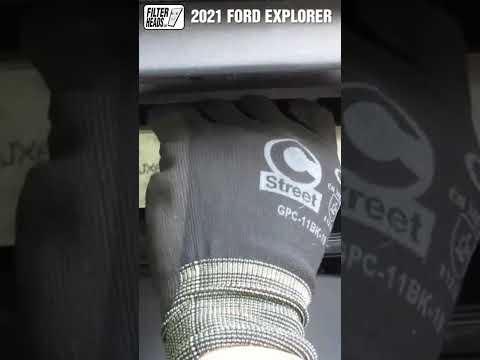
Ford Explorer
(2020-2026 /
U625, MK 6)
In this new guide dedicated to your new Ford Explorer Mk6 (2020-2022), discover how to replace the cabin air filter independently and safely. The ent…
Ford Explorer
(2011-2019 /
MK 5, U502)
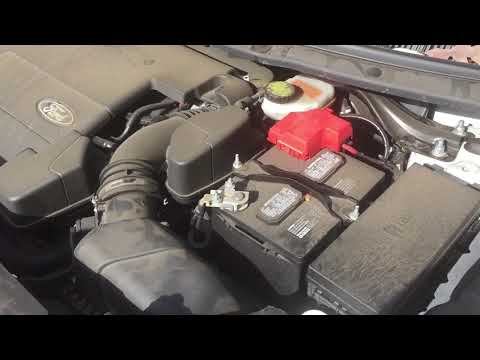
To replace the battery on a Ford Explorer, open the bonnet to access the engine bay and locate the battery on the right side. Disconnect the cables a…
Ford Explorer
(2011-2019 /
MK 5, U502)
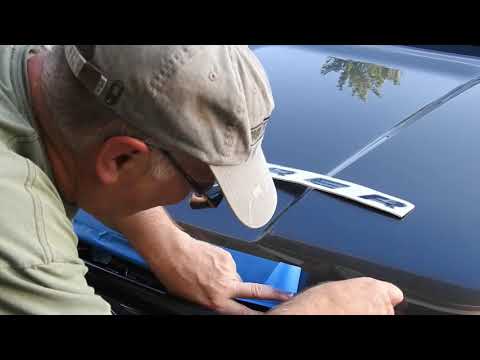
In this video, you will learn how to attach the Explorer logo on the bonnet of a Ford Explorer. Clean the surface where you intend to attach the logo…
Other guides you may be interested in
|
How to Bleed the Clutch on a Renault Clio?
To bleed the clutch on a Renault Clio, open the bonnet to access the components located in the engine bay: here, you will need to undo the screws that secure the battery in its housing, the intake manifold, and the coolant reservoir. This will allow you to locate the pipe through which the brake fluid flows: by inserting the other end of the pipe into a container, you can press the clutch pedal to expel all the fluid until it fills the container. by ScegliAuto More videos
|
|
For advertising on this site Write to info@scegliauto.com
ScegliAuto is not responsible for any inaccuracy of the data in the lists. To report any inaccuracy or your business (if you own the business in question), please write to info@scegliauto.com
Number of seconds to generate the page: 0.053
(c) ScegliAuto 2026 - info@scegliauto.com - Privacy policy VAT number: IT01247470535 |
