
|
Do it yourself
| |||
| ||||


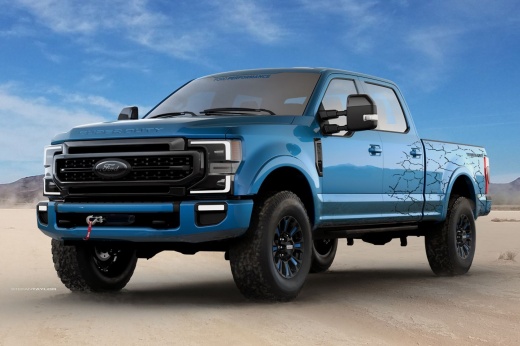
How to change the engine oil on Ford F 250
Model: Ford F-250
P558
- Years 2017-2022
Let's see how to change the engine oil on Ford F250. First we buy a good quality oil preferably a 5W-40. Open the hood, put on the special support rod, lift the car with a jack and unscrew the cap of the engine oil compartment, from which we will insert the new lubricant at the end of the procedure. Only after opening the oil compartment in the bonnet, go to the lower part of the car and unscrew the bolt that acts as a cap to the drainage hole, as shown in the video (be careful because the oil will leak immediately). Collect the used lubricant in a container and dispose of it properly. Close the drain hole by screwing the bolt and load from the upper compartment with 5W-30-.
Posted on 11 June 2022 by ScegliAuto
Video tutorial
Related tutorials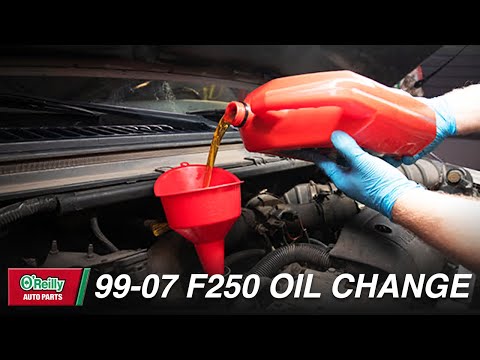
Ford F-250
(1999-2007 /
Phn131)
To be able to change the engine oil of the Ford F-250 you need to go to the lower part of the engine compartment, where the oil tank drain plug will …
Ford F-250
(2017-2022 /
P558)
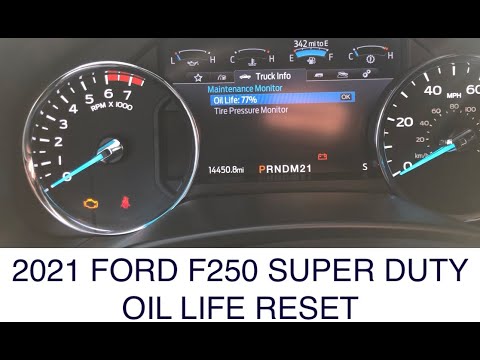
Below we will find out how to reset the engine oil warning light inside the new Ford F 250. First, press the Start button and turn on the ignition (y…
Ford F-250
(2011-2016 /
P473)
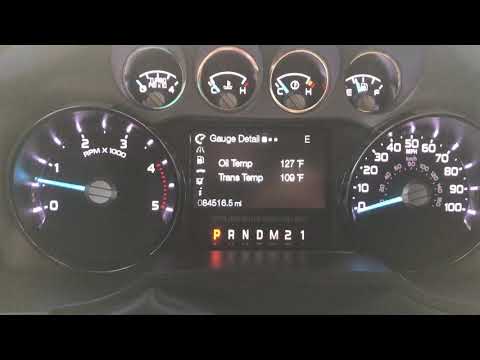
Let's see in this video the main instructions that will allow us to reset the Ford F-250 engine oil warning light, in simple and quick steps. First o…
Other guides you may be interested in
|
How to Replace the Trunk Handle on an Audi A4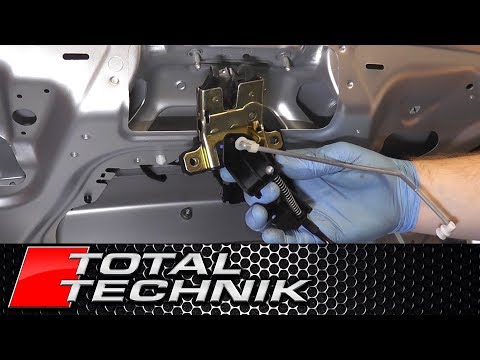
The first step, after lifting the hood, is to remove the panel covering the inside of the trunk. Once removed, you can access the entire handle mechanism. Now, disconnect the connector that powers the trunk. This will allow you to disengage the various mechanisms that operate the handle. Next, remove all the cables that move the parts. After that, unscrew all the bolts securing the handle from the inside and follow this procedure for removing the outer part as well. by ScegliAuto More videos
|
|
For advertising on this site Write to info@scegliauto.com
ScegliAuto is not responsible for any inaccuracy of the data in the lists. To report any inaccuracy or your business (if you own the business in question), please write to info@scegliauto.com
Number of seconds to generate the page: 0.106
(c) ScegliAuto 2026 - info@scegliauto.com - Privacy policy VAT number: IT01247470535 |
