
|
Do it yourself
| |||
| ||||


How to Reset the Immobiliser Lock on a Ford Focus
Model: Ford Focus
MK 3
- Years 2011-2018
If the message "immobiliser active" appears when starting the engine and you cannot start the car, first perform a diagnostic check of the system to see if there are any stored errors in the control unit. If there are none, test the fuses with a tester. Finally, if all the fuses are fine, check the immobiliser key located just below the ignition key housing. To access it, remove the covering panel from the steering column.
Updated on 24 June 2026 by ScegliAuto
Video tutorial
Related tutorials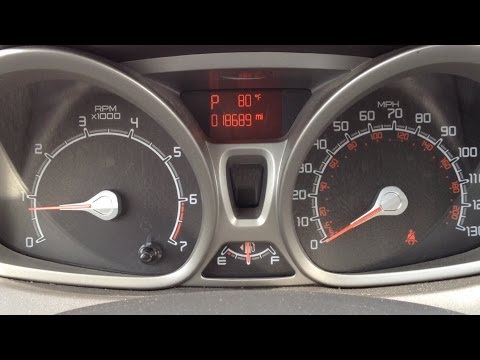
Ford Focus
(2011-2018 /
MK 3)
Let's see how to reset the maintenance light on a Ford Focus. Use the pedals to reset the light. Enter the vehicle, turn on the instrument cluster (y…

Ford Focus
(2004-2011 /
MK 2, Focus 2)
Follow these steps to reset the service warning light for the oil change on a second-generation Ford Focus. First, get inside the car and press both …
Ford Focus
(2011-2018 /
MK 3)
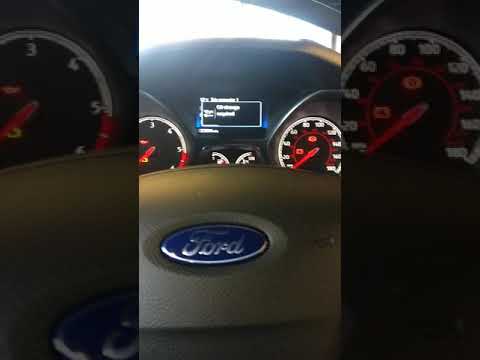
This brief tutorial shows how to reset the service light on a third-generation Ford Focus (2011-2018) without needing to connect the vehicle to an ex…
Other guides you may be interested in
|
Frequently Asked QuestionsHow to Adjust the Brightness of the Instrument Cluster on a Peugeot 3008?
To adjust the brightness of the instrument cluster on a Peugeot 3008, you need to turn on the ignition and access the settings via the menu located in the central area of the dashboard. In the screen that appears, select the "Display Configuration" option: now, by selecting the "Brightness" option, you can adjust it using the dedicated slider that will appear on the screen. The adjustment should be made with the headlights on as well as with them off. Once the adjustment is complete, you can turn off the instrument cluster. by ScegliAuto More videos
|
|
For advertising on this site Write to info@scegliauto.com
ScegliAuto is not responsible for any inaccuracy of the data in the lists. To report any inaccuracy or your business (if you own the business in question), please write to info@scegliauto.com
Number of seconds to generate the page: 0.315
(c) ScegliAuto 2026 - info@scegliauto.com - Privacy policy VAT number: IT01247470535 |
