
|
Do it yourself
| |||
| ||||


How to replace the battery in the Ford F 150 key
Model: Ford F-150
MK 13
- Years 2015-2020
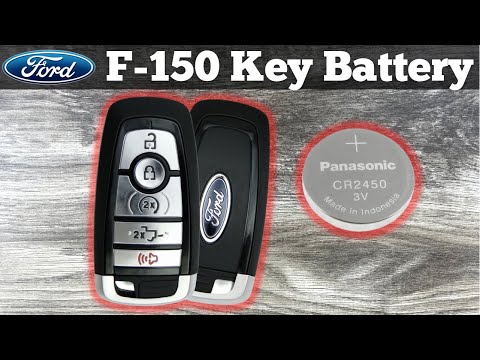
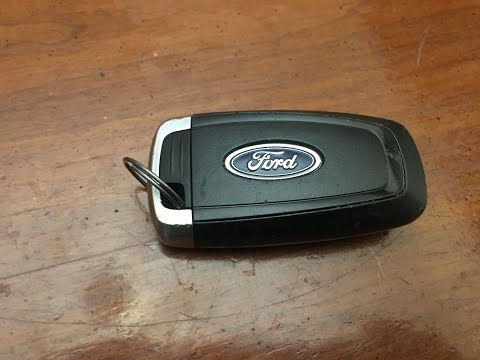
In this new mini guide dedicated to all of you owners of a Ford F 150 (year 2015-2020) we will explain to you how to correctly replace the button battery in the smart remote control. First, let the physical emergency key come out of its side seat. Immediately afterwards, use a common flat-head screwdriver to easily remove the back cover of the key. Then identify the exhausted battery and replace it with a new one (model CR2032). Finally, reassemble the key back cover and replace the emergency key.
Posted on 18 December 2022 by ScegliAuto
Video tutorial
Related tutorials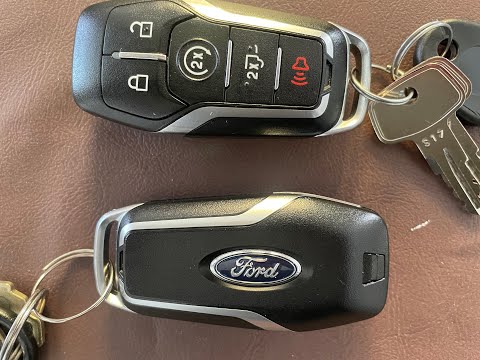
Ford F-150
(2015-2020 /
MK 13)
The necessary procedure to correctly complete the replacement of the battery inside the key of your Ford F 150 (year 2015-2020) is quite simple and t…
Ford F-150
(2015-2020 /
MK 13)
Below we will discover together how to correctly replace the small battery inside the Ford F 150 key. The whole operation takes a few seconds to comp…
Ford F-150
(2015-2020 /
MK 13)
If the smart key of your Ford F 150 (latest model) suddenly stopped working, it is very likely that it is time to replace the battery inside it. Belo…
Other guides you may be interested in
|
How to Remove the Instrument Cluster on a Nissan Qashqai
How to remove the instrument cluster on a Nissan Qashqai? Follow these steps: use a lever to remove the trim plastics under the steering wheel and take out the air vent next to the instrument cluster. Unscrew the securing screws of the instrument cluster with a screwdriver; after removing the plastics, pull out the ignition button (right side) from the dashboard and detach the plastics in the centre of the cluster. Unscrew the securing screws around the instrument cluster and remove it along with the power cable located at the back of the cluster. Install a new part or replace the LEDs/bulbs in the cluster and reassemble it. by ScegliAuto More videos
|

|
For advertising on this site Write to info@scegliauto.com
ScegliAuto is not responsible for any inaccuracy of the data in the lists. To report any inaccuracy or your business (if you own the business in question), please write to info@scegliauto.com
Number of seconds to generate the page: 0.124
(c) ScegliAuto 2026 - info@scegliauto.com - Privacy policy VAT number: IT01247470535 |
