
|
Do it yourself
| |||
| ||||


How to Replace the Fuel Filter on a Ford Fiesta
Model: Ford Fiesta
Fiesta 5, MK 5, MK V
- Years 2002-2008
In today's video, we will see how to replace the fuel filter on a Ford Fiesta. Remember to work only when the engine is cold to avoid unpleasant burns. Start by opening the front bonnet and then remove the air filter duct by taking off the retaining strap. At this point, you can access the device. Be careful to drain any fluids contained and then extract the unit in question. Reinsert the new filter and then reassemble all the components, and you can finish your current work and close up.
Updated on 30 June 2026 by ScegliAuto
Video tutorial
Related tutorials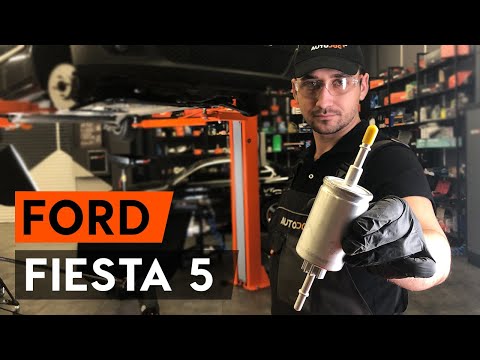
Ford Fiesta
(2002-2008 /
Fiesta 5, MK 5, MK V)
.. In this video tutorial, we will see how to replace the fuel filter on a Ford Fiesta. Use a lift to raise your car; open the fuel tank cap... …
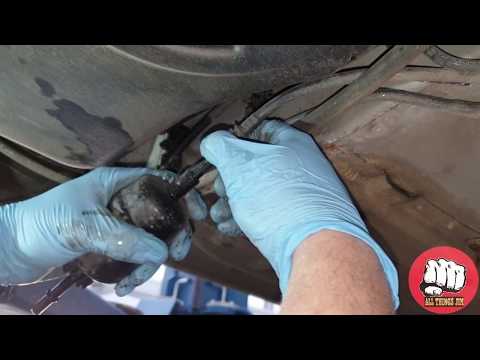
Ford Fiesta
(2002-2008 /
Fiesta 5, MK 5, MK V)
Replace the fuel filter on a Ford Fiesta. Here’s how to dismantle and replace it. Lift the car with a column lift, locate the fuel filter under the f…
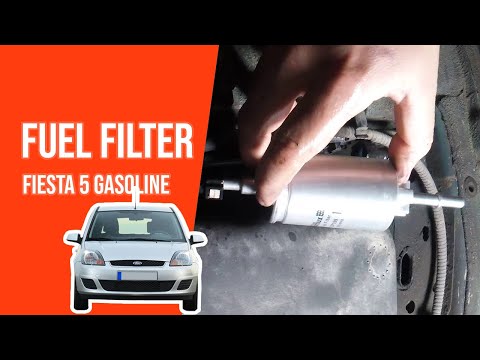
Ford Fiesta
(2002-2008 /
Fiesta 5, MK 5, MK V)
In this video tutorial, you will learn how to remove and replace the fuel filter on a Ford Fiesta 1.3 Duratec petrol model, from 2002 to 2008. First,…
Other guides you may be interested in
|
How to Open the Fuel Cap of the Volkswagen Jetta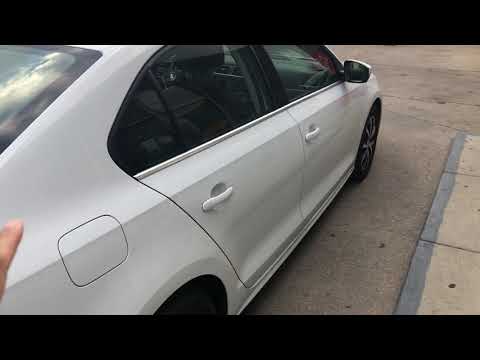
When you need to refuel this vehicle, first open the fuel filler flap. Follow these simple instructions, and you can also watch the video for more details. First, unlock the central locking to open the flaps. Then, press the fuel cap with your hand to unlock it and open it. Underneath, you will find the fuel cap, which you need to unscrew counterclockwise. At this point, you can proceed to refuel. by ScegliAuto More videos
|
|
For advertising on this site Write to info@scegliauto.com
ScegliAuto is not responsible for any inaccuracy of the data in the lists. To report any inaccuracy or your business (if you own the business in question), please write to info@scegliauto.com
Number of seconds to generate the page: 0.102
(c) ScegliAuto 2026 - info@scegliauto.com - Privacy policy VAT number: IT01247470535 |
