
|
Do it yourself
| |||
| ||||


How to Reset a Stuck Sync 3 on a Ford
Model: Ford Ford Various
If you are experiencing some malfunctions with the Sync system on your Ford, you can perform a master reset by following the instructions provided in this description and also referring to the video. After sitting in the driver's seat and turning on the ignition and multimedia system, access the "settings" menu and then go to "general". Scroll down through the various commands until you find the "Master reset" option. Click on this option and then click continue. At this point, the system will be restored and reloaded to the factory default settings and will then restart automatically.
Updated on 8 July 2026 by ScegliAuto
Video tutorial
Related tutorials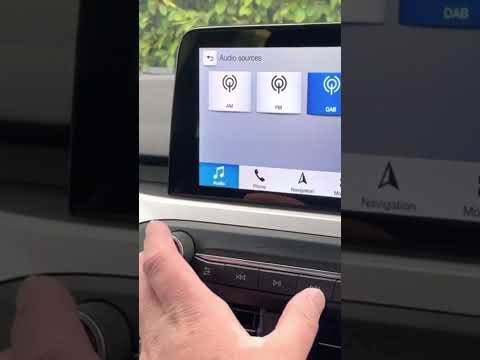
Ford Ford Various
Unfortunately, in today's infotainment systems, it can happen that the screen becomes stuck on a display and cannot be exited without turning off the…
Ford Ford Various
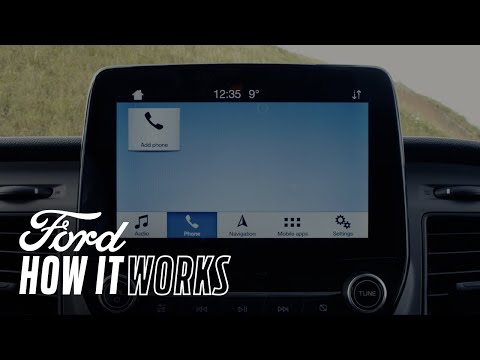
In this video, learn how to correctly connect your phone to the Ford Sync 3 system. First, start your vehicle and ensure Bluetooth is activated on yo…

Ford Ford Various
If you are experiencing issues with the Sync multimedia system in your Ford vehicle, you can perform a system reset. You can find instructions in thi…
Other guides you may be interested in
|
How to reset the tyre pressure warning light on the Suzuki Jimny?
To reset the tyre pressure warning light on the Suzuki Jimny, first inflate the tyres to the pressure value indicated on the corresponding sticker: this is located at the bottom of the driver's door pillar. Once the tyres are inflated, insert the ignition key and turn on the instrument panel: select the screen that indicates the tyre pressures, checking that the values change. After a few seconds, the tyre pressure warning light will automatically turn off. by ScegliAuto More videos
|
|
For advertising on this site Write to info@scegliauto.com
ScegliAuto is not responsible for any inaccuracy of the data in the lists. To report any inaccuracy or your business (if you own the business in question), please write to info@scegliauto.com
Number of seconds to generate the page: 0.167
(c) ScegliAuto 2026 - info@scegliauto.com - Privacy policy VAT number: IT01247470535 |
