
|
Do it yourself
| |||
| ||||



How to reset the oil light on the 2017 Ford Tourneo
Model: Ford Tourneo
MK 2
- Years:
2013, 2014, 2015, 2016, 2017, 2018, 2019, 2020, 2021, 2022, 2023, 2024
This video is currently unavailable
In this guide for all 2017 Ford Tourneo owners, discover the steps to manually reset the engine oil light. First, enter the cabin and turn on the instrument panel. At the same time, press the brake pedal and accelerator fully and wait for the reset to complete. Once the display confirms the reset, release both pedals and turn off the panel to complete the procedure.
Updated on 23 July 2026 by ScegliAuto
Related tutorials
Ford Tourneo
(2013-2024 /
MK 2)
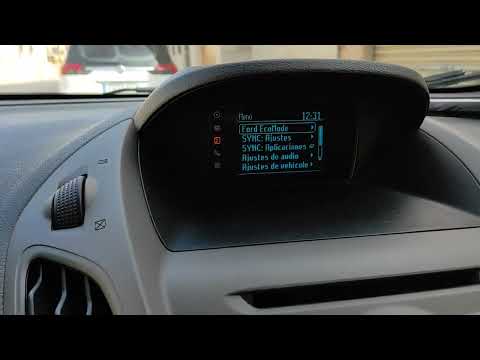
Lift the front of the Ford Tourneo 2.0 to perform the oil filter and engine oil replacement. Unscrew the nut on the oil sump to drain the used oil in…
Ford Tourneo
(2013-2024 /
MK 2)
To manually reset the tyre warning light that appears on the instrument cluster of your Ford Tourneo 2016, follow the instructions in this dedicated …

Ford Tourneo
(2013-2024 /
MK 2)
Let's see how to reset the service light on a Ford Tourneo or Transit with a manual transmission. With the vehicle off, press the brake and accelerat…
Other guides you may be interested in
|
How to Activate the Disabled TRC on the Toyota Yaris?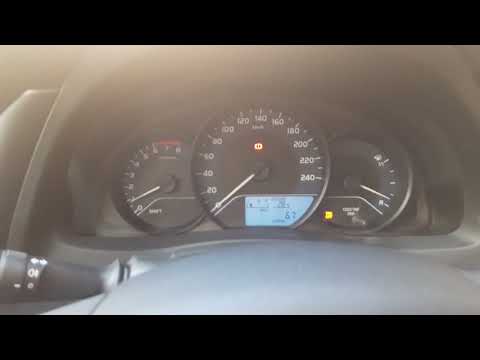
As the video clearly shows, disabling or activating the traction control (TRC or ESP) on the Toyota Yaris is very simple. By default, the traction system activates every time the vehicle is started. To disable it, simply press the button depicting a skidding car located in the centre of the vehicle where the controls are, such as the hazard lights and the radio, but near the handbrake. Once disabled, the TRC off light will illuminate on the dashboard. To reactivate it, just press the same button again. by ScegliAuto More videos
|
|
For advertising on this site Write to info@scegliauto.com
ScegliAuto is not responsible for any inaccuracy of the data in the lists. To report any inaccuracy or your business (if you own the business in question), please write to info@scegliauto.com
Number of seconds to generate the page: 0.055
(c) ScegliAuto 2026 - info@scegliauto.com - Privacy policy VAT number: IT01247470535 |
