
|
Do it yourself
| |||
| ||||


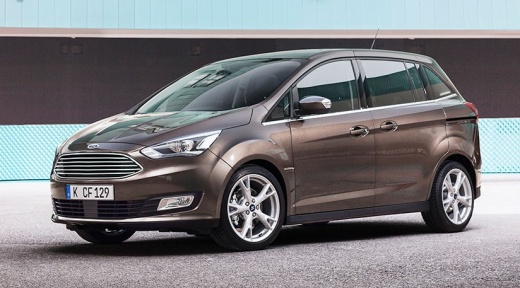
Where is the OBD Port on the Ford C Max 2011?
Model: Ford C Max
MK 2
- Years:
2010, 2011, 2012, 2013, 2014, 2015, 2016, 2017, 2018, 2019
This video is currently unavailable
If you want to connect a diagnostic tool to your Ford C Max second generation (2011) but do not know where the OBD port is located, do not worry as the following instructions will help you. First, park your Ford C Max safely. Then, turn it off completely and locate the small compartment on the lower side of the dashboard. Remove the cover with your hands, and you will finally have access to the OBD port you were looking for. When finished, remember to correctly refit the protective cover.
Updated on 22 August 2026 by ScegliAuto
Related tutorials
Ford C Max
(2003-2010 /
MK 1)
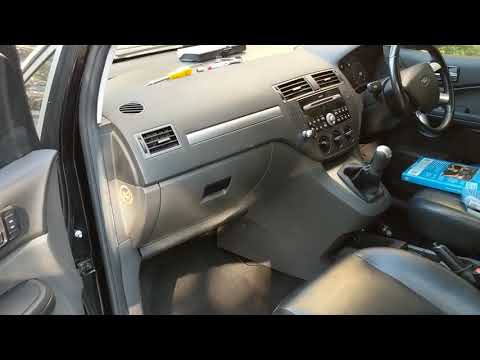
Today, we will focus on locating and accessing the fuse box of our Ford C-Max. Start by opening the front passenger door. Then, bend down under the g…
Ford C Max
(2003-2010 /
MK 1)
The fuse box of your Ford C-Max is located beneath the glove compartment of the front passenger side. To access it, start by opening the front passen…
Ford C Max
(2010-2019 /
MK 2)
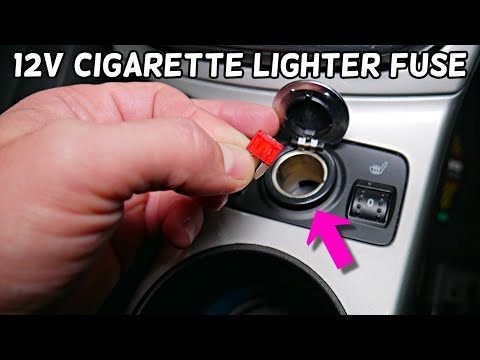
In this video, you will see where the fuse for the cigarette lighter is located in the Ford C-MAX, an element to check in case of complete malfunctio…
Other guides you may be interested in |
How to Remove the Rear Seat of a Hyundai Tucson?
To remove the rear seat of a Hyundai Tucson, follow these steps. Start by moving the front seats to their most forward position to gain space. Next, locate the release lever on the underside of the rear seat, near the floor. Press this lever down while pulling the seat upwards to unlock it from the anchor pins. Once unlocked, tilt the seat upwards and forwards to remove it from its position. Repeat this process for both sides of the rear seat. Be careful of any electrical cables or components that may be connected to the seat during removal. Once the rear seat is removed, the disassembly is complete. by ScegliAuto More videos
|
|
For advertising on this site Write to info@scegliauto.com
ScegliAuto is not responsible for any inaccuracy of the data in the lists. To report any inaccuracy or your business (if you own the business in question), please write to info@scegliauto.com
Number of seconds to generate the page: 0.070
(c) ScegliAuto 2026 - info@scegliauto.com - Privacy policy VAT number: IT01247470535 |
