
|
Do it yourself
| |||
| ||||


How to Remove the Stereo from a Honda Jazz
Model: Honda Jazz
MK 1
- Years 2001-2008
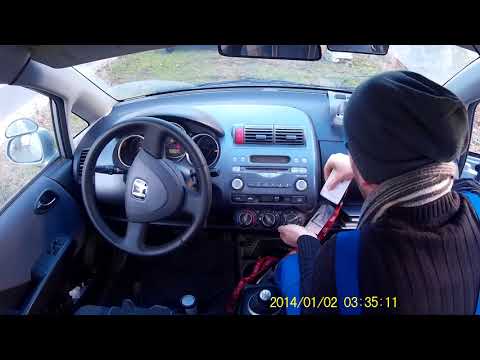
Want to remove the stereo from your Honda Jazz but not sure how? Follow this guide to remove the original stereo from your vehicle. First, remove the plastic trim from the dashboard using a plastic lever. Then, detach the central frame of the stereo (where the air vents are located) along with the connectors for the instrument button. Once the stereo is free from constraints, unscrew the securing screws on its sides. Pull the stereo out by hand and disconnect the cables (power and antenna). To reassemble, proceed in reverse order.
Updated on 1 March 2026 by ScegliAuto
Video tutorial
Related tutorials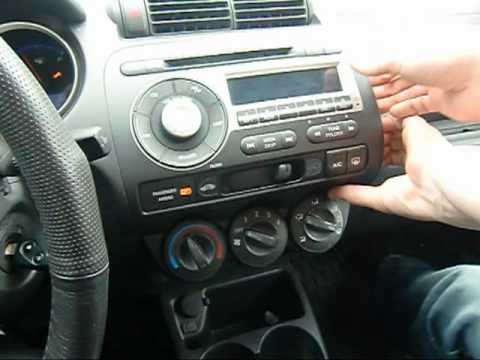
Honda Jazz
(2001-2008 /
MK 1)
Want to remove the stereo from your Jazz car? To take out the stereo, you need to remove some covering plastics, let's see how. Open the glove compar…
Honda Jazz
(2001-2008 /
MK 1)
Do you want to remove the radio from your Honda Jazz and don’t know how? Here’s how to remove the original stereo: remove the trim around the ventila…

Honda Jazz
(2008-2013 /
MK 2)
Setting the time on the Honda Jazz radio is a really simple and quick operation to perform. The first step to set the time is to keep the instrument …
Other guides you may be interested in
|
How to Open a Stuck Boot on the Peugeot 407?
On the Peugeot 407, the boot may become stuck, possibly due to a problem with the control button or the lock actuator. In such cases, you can perform an emergency opening by following the simple procedure shown in this tutorial. First, open the rear doors, then lower the seat back by operating the release lever. Next, go inside the boot, locate the lock, and manually operate it using a flathead screwdriver. The boot will then be free to open. by ScegliAuto More videos
|
|
For advertising on this site Write to info@scegliauto.com
ScegliAuto is not responsible for any inaccuracy of the data in the lists. To report any inaccuracy or your business (if you own the business in question), please write to info@scegliauto.com
Number of seconds to generate the page: 0.710
(c) ScegliAuto 2026 - info@scegliauto.com - Privacy policy VAT number: IT01247470535 |
