
|
Do it yourself
| |||
| ||||


How to Replace the CV Boot on a Honda Civic
Model: Honda Civic
MK 7
- Years:
2001, 2002, 2003, 2004, 2005, 2006
Video tutorial
Remove the wheel in question and then the central hub nut to take everything off. Also, remove the two bolts that secure the brake piston and brake pad, which will allow you to secure this part of the brake higher up. Now, unscrew the bolt and nut that secure the hub. Once the wheel hub is separated from the hub, simply lever the part of the driveshaft connected to the engine to disconnect and remove it from the car. Carry out all necessary maintenance on the boot and reposition everything by following the steps in reverse.
Updated on 23 February 2026 by ScegliAuto
Related tutorials
Honda Civic
(2016-2021 /
MK 10)
On the Honda Civic, the boot lid may become stuck, for example, due to a problem with the control button or the lock actuator. In such cases, perform…

Honda Civic
(2022-2026 /
FL, FE, MK 11)
In order to replace the gear knob of the Honda Civic, you will need to use an object like a screwdriver to lever down the leather boot around the sel…
Honda Civic
(2006-2012 /
MK 8)
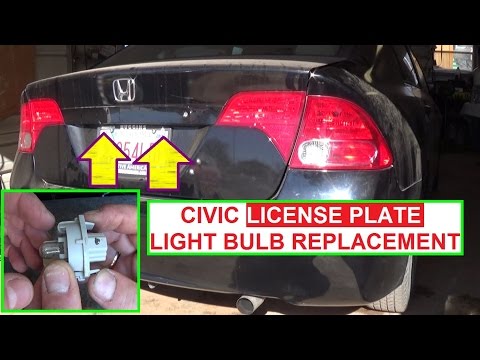
In today's video, see how to replace the number plate bulb on the Honda Civic. First, obtain a replacement bulb. Now, park the car on a level surface…
Other guides you may be interested in
|
How to Reset the Tyre Light on a Toyota Aygo?
To reset the tyre light on a Toyota Aygo, start by locating the reset button, which is found in the glove compartment of the front passenger side. Turn on the car and ensure that the tyres are at the correct pressure. Then, press and hold the reset button for a few seconds until the tyre light either flashes or turns off, depending on the model. Release the button and wait for the reset procedure to complete. Restart your Toyota Aygo and check if the tyre light has turned off, indicating that the reset was successful. by ScegliAuto More videos
|
|
For advertising on this site Write to info@scegliauto.com
ScegliAuto is not responsible for any inaccuracy of the data in the lists. To report any inaccuracy or your business (if you own the business in question), please write to info@scegliauto.com
Number of seconds to generate the page: 0.076
(c) ScegliAuto 2026 - info@scegliauto.com - Privacy policy VAT number: IT01247470535 |
